
|
Do it yourself
| |||
| ||||


How to disable the sound signal for road sign assistance on a Toyota vehicle
Model: Toyota Rav 4
Xa50, MK 5
- Years 2019-2026
Let's see how to disable the audible signal that alerts when the speed limit is exceeded: the procedure varies depending on the infotainment system installed in our Toyota, but the logic is similar across all of them. Turn on the car, go to the main menu from the multifunction screen, look for vehicle settings, and within that, look for an option related to driving assistance, where we will find a direct entry called "speed limit warning." Two or three options will appear: "disable" (no signal); display only (only the icon on the dashboard but no sound); Display and audible warning (the mode that is annoying). We recommend never completely disabling the function, but just turning off the sound feature.
Posted on 10 January 2026 by ScegliAuto
Video tutorial
Related tutorials
Toyota Rav 4
(2013-2018 /
MK 4, Xa40)
In this guide we will see the instructions that will allow us to disable the audible alert of the parking sensors of the Toyota RAV 4. First of all, …
Toyota Rav 4
(2013-2018 /
MK 4, Xa40)
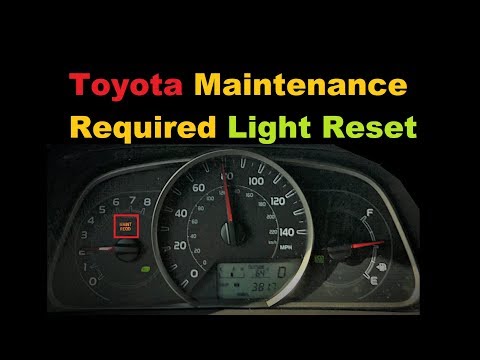
To reset the service light on a 2014 Toyota Rav4, follow this procedure: first, turn on the vehicle's ignition without starting the engine. Then, pre…
Toyota Rav 4
(2013-2018 /
MK 4, Xa40)
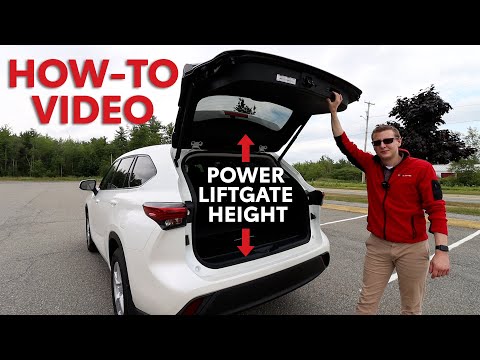
In this article, you will learn how to adjust the opening height of the boot on the Toyota Rav4. The procedure is simple and takes little time to com…
Other guides you may be interested in
|
How to Reset the Tyre Pressure Light on the Opel Grandland X
While driving, if you notice the tyre pressure warning light coming on, first check the actual inflation pressure of the tyres and, if necessary, restore the pressures recommended by the manufacturer. After restoring the correct pressures, you need to reset the warning light that has illuminated on the instrument cluster. To do this, locate the reset button on the lower central console. Press this button and hold it down for at least 3 seconds, after which the low pressure indication will turn off. by ScegliAuto More videos
|

|
For advertising on this site Write to info@scegliauto.com
ScegliAuto is not responsible for any inaccuracy of the data in the lists. To report any inaccuracy or your business (if you own the business in question), please write to info@scegliauto.com
Number of seconds to generate the page: 0.061
(c) ScegliAuto 2026 - info@scegliauto.com - Privacy policy VAT number: IT01247470535 |
