
|
Do it yourself
| |||
| ||||


Activate Brake Assist on Rav4
Model: Toyota Rav 4
MK 4, Xa40
- Years 2013-2018
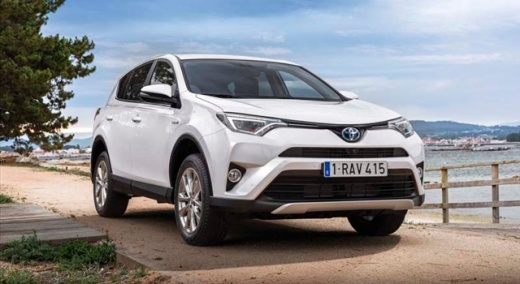
As shown in the video, activating the brake assist button is very simple. From the dashboard, locate the button, then shift the gear into position L, go below 6 miles/h and press the button; a yellow warning light will flash on the instrument panel. At that point, press the button on the dashboard and the brake assist light will illuminate on the left. Brake assist will help you on more complicated routes where it may be difficult to calibrate the vehicle's speed with the slope of the road, thus it is generally recommended for off-road or steep roads. As seen in the video.
Updated on 11 March 2026 by ScegliAuto
Video tutorial
Related tutorials
Toyota Rav 4
(2019-2026 /
Xa50, MK 5)
In this tutorial, you will see how to activate or deactivate the parking sensors on a Toyota RAV4, a very simple and quick operation to perform as ne…
Toyota Rav 4
(2000-2006 /
Xa20, MK 2)
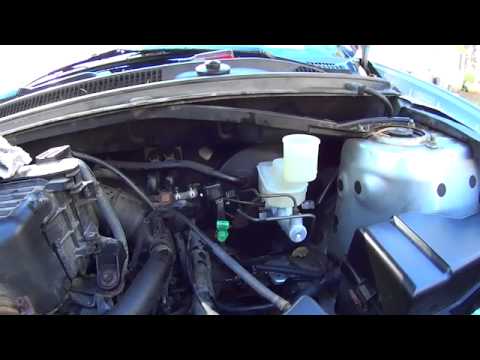
Follow this procedure to remove and replace the master cylinder of the braking system and clutch pump on the Toyota Rav4 second series. First, open t…
Toyota Rav 4
(2006-2013 /
MK 3, Xa30)
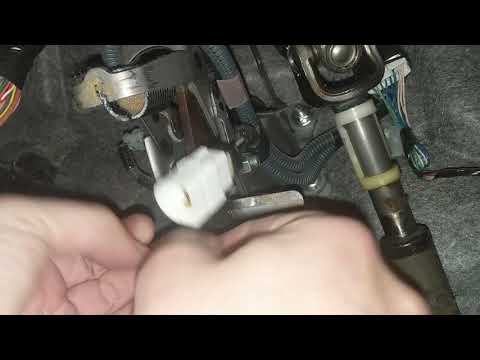
In this guide, we will see how to reset the VSC or ABS warning light on the Toyota Rav4, analysing the possible causes. Usually, the VSC light appear…
Other guides you may be interested in
|
How to reset the tire pressure sensor of the Hyundai Tucson
Below we will discover the instructions that will allow us to reset the tire pressure warning light (TPMS) of the Hyundai Tucson. First of all, we get into the car and turn on the instrument panel; then we go to the vehicle settings until we reach the tire pressure monitor, identifying the tire with the incorrect pressure. At this point, we proceed to restore all tire pressures, following the pattern indicated on the label; in this way the TPMS system will be reset and the warning light will be reset by the instrument panel! by ScegliAuto More videos
|
|
For advertising on this site Write to info@scegliauto.com
ScegliAuto is not responsible for any inaccuracy of the data in the lists. To report any inaccuracy or your business (if you own the business in question), please write to info@scegliauto.com
Number of seconds to generate the page: 0.057
(c) ScegliAuto 2026 - info@scegliauto.com - Privacy policy VAT number: IT01247470535 |
