
|
Do it yourself
| |||
| ||||



How to Reset the TPMS Light on a Toyota RAV4 Hybrid
Model: Toyota Rav 4
Xa50, MK 5
- Years:
2019, 2020, 2021, 2022, 2023, 2024, 2025, 2026
Video tutorial
The video shows how to reset the TPMS light on a 2020 Toyota RAV4 Hybrid. When the light comes on, check the pressure of all four tyres and also the spare wheel (if equipped with a sensor). The correct pressure is indicated on the label on the driver's side door pillar: in the video, it is 36 PSI (2.5 bar) for the front and rear wheels, and 60 PSI (4.10 bar) for the spare (which was at 50 PSI, or 3.4 bar). After inflating all the tyres, the light may remain on. To reset it: turn on the car, go to Vehicle Settings from the dashboard menu, press OK, and hold OK. Scroll to TPMS (Tyre Pressure Monitoring System), select Set Pressure, and hold OK until it flashes. The light will turn off. Exit the menu. Drive for 5-10 minutes and check again: if the light comes back on, there may be a slow leak or a punctured tyre that needs checking.
Posted on 3 October 2026 by ScegliAuto
Related tutorials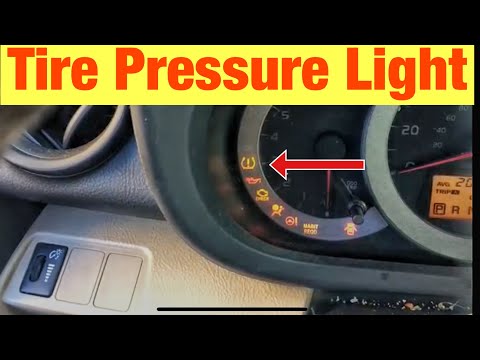
Toyota Rav 4
(2006-2013 /
MK 3, Xa30)
In this short and simple guide, you will learn how to reset the tyre pressure warning light (TPMS) on a Toyota RAV4. Initially, when you turn on the …
Toyota Rav 4
(2006-2013 /
MK 3, Xa30)
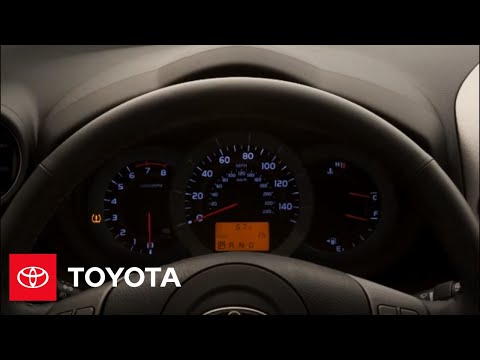
To reset the TPMS light, which relates to tyre pressure, you must check and adjust the pressure of all four tyres. After completing this initial step…

Toyota Rav 4
(2006-2013 /
MK 3, Xa30)
If the TPMS warning light appears on the instrument panel of your Toyota RAV4 even in the absence of any punctures, you need to manually reset the li…
ScegliAuto offers an extensive international collection of automotive tutorials available in 12 languages. Each guide combines instructional videos with original explanations written by experienced human editors, along with information about the car models covered.
Other guides you may be interested in
|
How to replace a rear light bulb on the Opel Astra K
Replace a rear light bulb on an Opel Astra K as follows. Open the boot and remove the side plastic trim. Disconnect the connector from the light unit and undo its retaining nut. Remove the unit from its housing and open the bulb carrier cover. Replace the bulb, refit the cover and install the light unit in its housing. Reconnect the connector and tighten the retaining nut. To replace the bulb in the rear light mounted on the boot, remove the plastic trim by releasing it at the side, then disconnect the connector. Push the light unit outwards, open the bulb carrier and replace the bulb. Refit the cover and install the light unit in its housing. Reconnect the connector and refit the side trim. by ScegliAuto More videos
|
|
For advertising on this site Write to info@scegliauto.com
ScegliAuto is not responsible for any inaccuracy of the data in the lists. To report any inaccuracy or your business (if you own the business in question), please write to info@scegliauto.com
Number of seconds to generate the page: 0.020
(c) ScegliAuto 2026 - info@scegliauto.com - Privacy policy - About us VAT number: IT01247470535 |
