
|
Do it yourself
| |||
| ||||


How to Manually Set the Time in a Toyota Aygo
Model: Toyota Aygo
MK 1, Ab10
- Years 2005-2014
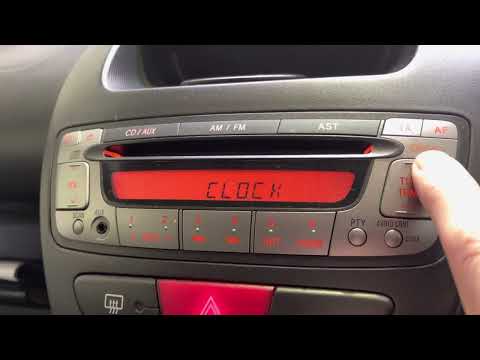
In this guide for all Toyota Aygo first series owners (2005-2014), you will discover step by step how to manually set the displayed time. First, enter the vehicle and focus on the buttons near the radio. Locate the "Clock" button at the bottom right and hold it down until the time displayed starts to flash. At this point, use the up and down "Tune Track" buttons to adjust the hour. Finally, wait for the display to stop flashing, and you are done.
Updated on 27 August 2026 by ScegliAuto
Video tutorial
Related tutorials
Toyota Aygo
(2021-2026 /
MK 3, Aygo X)
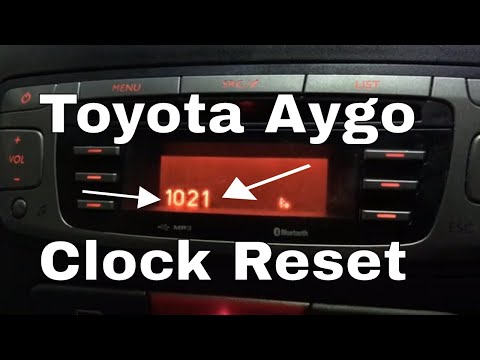
In this video, we see how to change the time on a Toyota Aygo Cross X: the system may vary slightly depending on the trim level and infotainment syst…
Toyota Aygo
(2005-2014 /
MK 1, Ab10)
To set the clock on a Toyota Aygo, turn on the ignition by rotating the key in the ignition switch. This will give you access to the menu on the cent…
Toyota Aygo
(2005-2014 /
MK 1, Ab10)
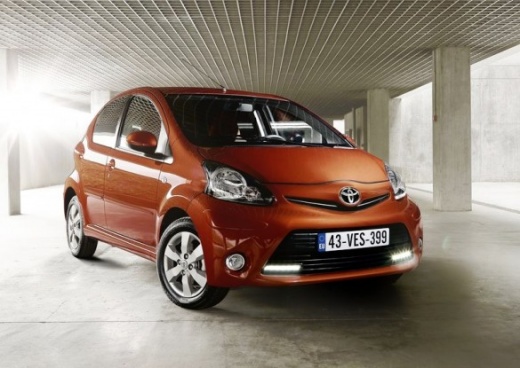
To manually change the time displayed on your Toyota Aygo Mk1, follow this simple procedure. It will take just a few seconds to complete and you can …
Other guides you may be interested in
|
How to Open a Stuck Boot on the Peugeot 407?
On the Peugeot 407, the boot may become stuck, possibly due to a problem with the control button or the lock actuator. In such cases, you can perform an emergency opening by following the simple procedure shown in this tutorial. First, open the rear doors, then lower the seat back by operating the release lever. Next, go inside the boot, locate the lock, and manually operate it using a flathead screwdriver. The boot will then be free to open. by ScegliAuto More videos
|
|
For advertising on this site Write to info@scegliauto.com
ScegliAuto is not responsible for any inaccuracy of the data in the lists. To report any inaccuracy or your business (if you own the business in question), please write to info@scegliauto.com
Number of seconds to generate the page: 0.298
(c) ScegliAuto 2026 - info@scegliauto.com - Privacy policy VAT number: IT01247470535 |
