
|
Do it yourself
| |||
| ||||


How to Reset My R-Link Car Radio?
Model: (Various brands) Various
Video tutorial
Your Renault car radio is called R-Link, and it is a full entertainment and navigation system. If you need to reset it, you should know that this function restores all system parameters to their initial state. All data and configuration will be erased. To perform a general reinitialisation, press the contextual menu button from the 'System' menu, then 'General Reset'. When a confirmation message appears on the screen, press 'Yes' to confirm. After reinitialisation, the system will restart in the factory-configured language. Unlike the 'General Reset' function, resetting the system by holding down the on/off button on the front does not result in data loss.
Updated on 25 April 2026 by ScegliAuto
Related tutorials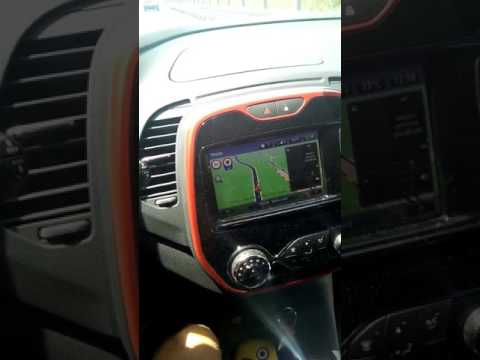
(Various brands) Various
This video demonstrates how to reset the R Link infotainment system. The procedure is very simple and quick; just press the button with the house ico…
(Various brands) Various
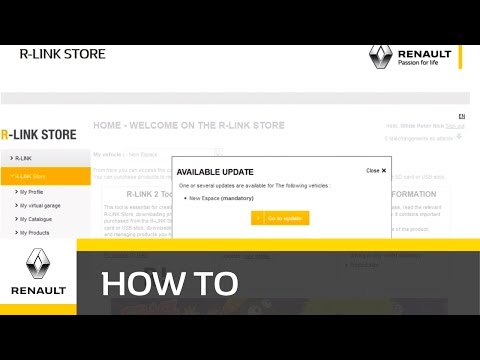
The R-Link 2 system is the software provided in the latest Renault cars, featuring onboard computer and navigation functions. Periodically, it needs …

(Various brands) Various
We better understand how to perform a hard reset on an Android car stereo, useful to restore factory data, or because you want to delete any type of …
Other guides you may be interested in |
Frequently Asked QuestionsHow to Remove the Rear Seat of a Hyundai Tucson?
To remove the rear seat of a Hyundai Tucson, follow these steps. Start by moving the front seats to their most forward position to gain space. Next, locate the release lever on the underside of the rear seat, near the floor. Press this lever down while pulling the seat upwards to unlock it from the anchor pins. Once unlocked, tilt the seat upwards and forwards to remove it from its position. Repeat this process for both sides of the rear seat. Be careful of any electrical cables or components that may be connected to the seat during removal. Once the rear seat is removed, the disassembly is complete. by ScegliAuto More videos
|
For advertising on this site Write to info@scegliauto.com
ScegliAuto is not responsible for any inaccuracy of the data in the lists. To report any inaccuracy or your business (if you own the business in question), please write to info@scegliauto.com
Number of seconds to generate the page: 0.043
(c) ScegliAuto 2026 - info@scegliauto.com - Privacy policy VAT number: IT01247470535 |
