
|
Do it yourself
| |||
| ||||


How to Speed Up a Chinese Car Radio by Installing Android Auto
Model: (Various brands) Various
Video tutorial
If you have a low-cost Chinese car radio that is full of bugs and slow in operation, follow this advice. First, open the Play Store and search for the "headunit reloaded" application. It costs £5, but from that moment on, the radio will use your phone's processor, becoming much faster. You will need to connect it with a USB cable; upon first connection, a screen will appear allowing you to choose the type of connection, but currently, it only works with a USB cable. Essentially, it mirrors all the functions of your phone onto the radio screen, making a budget car radio very smart and usable.
Updated on 15 August 2026 by ScegliAuto
Related tutorials
(Various brands) Various
Reaching the hard reset of a car radio, in this specific case we focus on a Chinese Android model, is inevitable as an action if it no longer respond…

(Various brands) Various
The car radio with Android system, but not only, at some point may present sporadic anomalies in reading music tracks, videos or anything else. This …
(Various brands) Various
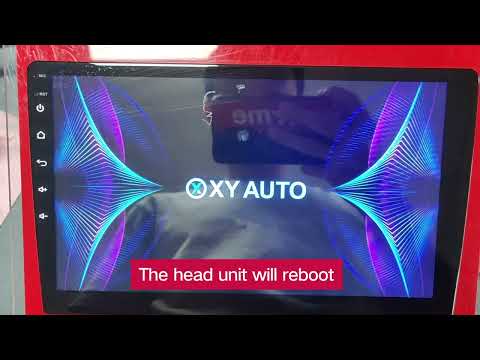
In this video, see how to perform a hard reset on an Android car radio using the RST button (which means reset). You need to press the RST button on …
Other guides you may be interested in |
How to Remove the Toll Tag Holder from the Car Windscreen
The toll tag holder is usually attached to the car windscreen to ensure that the toll tag functions immediately when passing through barriers. However, if you decide to remove the holder, you should follow this procedure: - Insert the toll tag into the holder; - Pull the holder inwards to detach it from the windscreen; you can use a glass scraper or a stiff plastic card to assist you; After removing the holder, it is essential to remove the adhesive from the windscreen. To remove the adhesive, we recommend using a solvent-based spray that will remove the glue without clouding the area. by ScegliAuto More videos
|
|
For advertising on this site Write to info@scegliauto.com
ScegliAuto is not responsible for any inaccuracy of the data in the lists. To report any inaccuracy or your business (if you own the business in question), please write to info@scegliauto.com
Number of seconds to generate the page: 0.008
(c) ScegliAuto 2026 - info@scegliauto.com - Privacy policy VAT number: IT01247470535 |
