
|
Do it yourself
| |||
| ||||


How to register for uConnect?
Model: (Various brands) Various
Video tutorial
To register for uConnect, download the Fiat app on your smartphone: once the application is downloaded, you will need to register and create an account using the same email and mobile number provided to the dealer at the time of vehicle purchase. At this point, an alert will be automatically sent via email and SMS: the codes that the user receives must be entered during registration to confirm the activation of the account. Once activated, you can use the credentials to access the features of uConnect on the car's infotainment system.
Updated on 24 August 2026 by ScegliAuto
Related tutorials
(Various brands) Various
In recent years, infotainment systems in vehicles have become essential. Even smaller cars, like city cars, offer most connected services to stay upd…

(Various brands) Various
Good morning, today the goal is to reset the Uconnect 5 system in your car. First, carefully enter the cabin. Once there, locate the Uconnect control…
(Various brands) Various
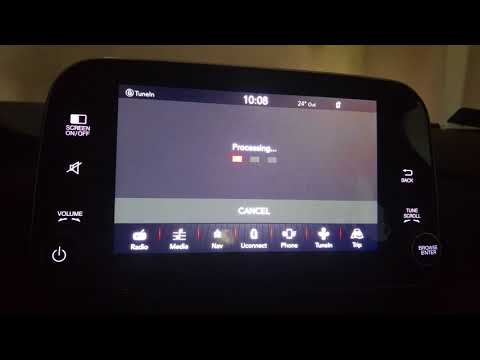
In today's video, we will see how to perform the latest update of the Uconnect system in FCA group vehicles. Turn on the ignition to activate the inf…
Other guides you may be interested in |
Frequently Asked QuestionsHow to open the boot if it is stuck on a Mercedes B-Class?
On the Mercedes B-Class, the boot may become stuck, possibly due to a problem with the control button or the lock actuator. In this case, perform the emergency opening by following the simple procedure shown in this tutorial. First, unlock the locks with the remote control, then open the rear doors and, by operating the indicated lever, lower the backrest of the seat. Next, go inside the boot, locate the indicated gap, and manually unlock the lock using a small screwdriver. by ScegliAuto More videos
|
|
For advertising on this site Write to info@scegliauto.com
ScegliAuto is not responsible for any inaccuracy of the data in the lists. To report any inaccuracy or your business (if you own the business in question), please write to info@scegliauto.com
Number of seconds to generate the page: 0.042
(c) ScegliAuto 2026 - info@scegliauto.com - Privacy policy VAT number: IT01247470535 |
