
|
Do it yourself
| |||
| ||||


The Three Setting Levels of the Blaupunkt 980 Key Largo
Model: (Various brands) Various
Video tutorial
In this video, we can see that there are three setting levels on the Blaupunkt Key Largo 980 multimedia system: the first shows the actual Android settings; the next level is dedicated to the car multimedia system settings, accessed by clicking the icon at the bottom. You can configure many specific elements of the system, including screensaver themes, brightness, etc. On the right are the settings for the next level, which are the factory-level system settings. With the password "0000", you can enter the system, but be very careful when making changes in this section. If you feel capable, you can do this and then confirm just like on a mobile phone, then scroll from the top to see the settings that have been entered.
Updated on 15 September 2026 by ScegliAuto
Related tutorials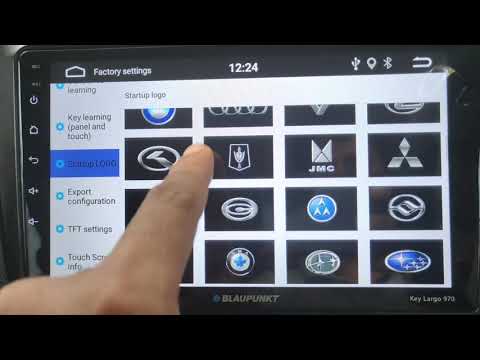
(Various brands) Various
In this video, see how to set your car logo on the Blaupunkt Key Largo 970 radio: from the "Home" screen, go to "Settings" and click on the left colu…
(Various brands) Various
In today's video, you will see how to clear the cancheck message in Blaupunkt radios. This device is often found in Fiat group models from the mid-20…
(Various brands) Various
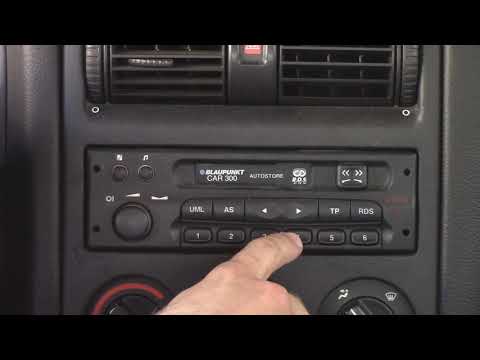
In this tutorial, you will see how to enter the unlock code in a Blaupunkt car radio, an extremely simple and quick operation to perform, for example…
Other guides you may be interested in |
How to Remove the Toll Tag Holder from the Car Windscreen
The toll tag holder is usually attached to the car windscreen to ensure that the toll tag functions immediately when passing through barriers. However, if you decide to remove the holder, you should follow this procedure: - Insert the toll tag into the holder; - Pull the holder inwards to detach it from the windscreen; you can use a glass scraper or a stiff plastic card to assist you; After removing the holder, it is essential to remove the adhesive from the windscreen. To remove the adhesive, we recommend using a solvent-based spray that will remove the glue without clouding the area. by ScegliAuto More videos
|
|
For advertising on this site Write to info@scegliauto.com
ScegliAuto is not responsible for any inaccuracy of the data in the lists. To report any inaccuracy or your business (if you own the business in question), please write to info@scegliauto.com
Number of seconds to generate the page: 0.107
(c) ScegliAuto 2026 - info@scegliauto.com - Privacy policy VAT number: IT01247470535 |
