
|
Do it yourself
| |||
| ||||


How to change the battery of the Volkswagen Caddy MK3 remote control
Model: Volkswagen Caddy
MK 3, 2K
- Years 2003-2020
In this video, we can see how to change the battery of a Volkswagen Caddy remote control: unlike most remotes that snap together, this one is secured with a screw, which we will need to unscrew with a small screwdriver. By levering on the outer sides of the cover, we split the remote in two; in the part where there is no key, we lever again and separate the electronic part from the part where we find the battery, which is held in place by a safety spring. Unfortunately, the youtuber does not show us the battery code, so we cannot tell you to get one before physically seeing what it is. We only recommend being careful with the polarity when reinserting it, putting the key pieces back together, and then closing it with the screw, which we would have placed in a safe place.
Posted on 4 January 2025 by ScegliAuto
Video tutorial
Related tutorials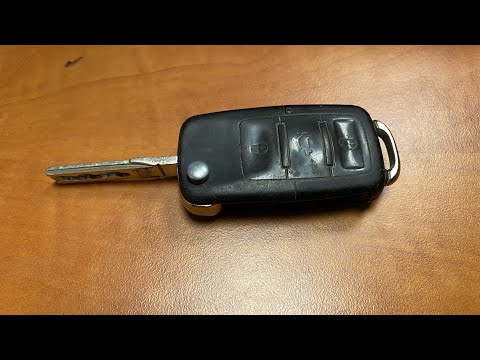
Volkswagen Caddy
(2003-2020 /
MK 3, 2K)
In this video, you will see the steps to replace the battery in the remote key of a Volkswagen Caddy. The operation is very simple and quick; first, …
Volkswagen Caddy
(2003-2020 /
MK 3, 2K)
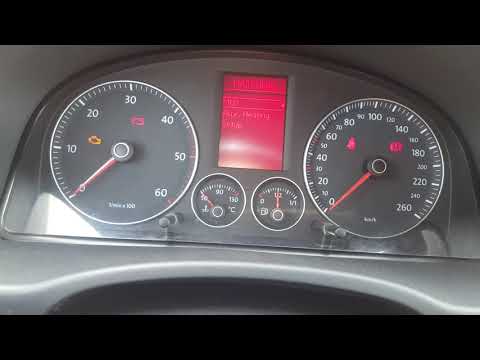
In this tutorial, see how to change the language of the onboard computer in the Volkswagen Caddy, a very simple and quick operation. First, insert th…
Volkswagen Caddy
(2003-2020 /
MK 3, 2K)
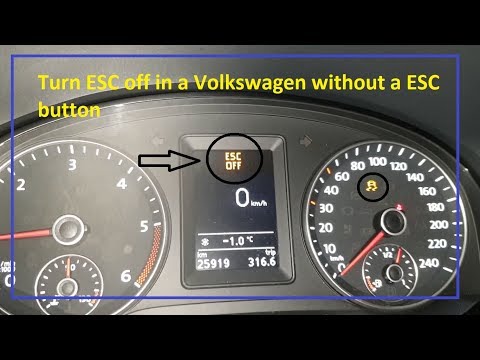
To disable the traction control on a Volkswagen Caddy, insert the ignition key into the ignition switch and turn it to power on the dashboard. Once t…
Other guides you may be interested in
|
Fuses Location and Diagram for the Volkswagen Crafter
In this guide, we will look at the location of the fuse boxes and how to find their diagram for the Volkswagen Crafter. First, get inside the vehicle and start by removing the plastic cover found under the steering wheel, to access the internal fuse box; you will find another fuse box in the engine compartment by removing the plastic cover located next to the battery. At this point, use the owner's manual to find the fuse diagram, which will allow you to identify and replace any blown fuses with new ones! by ScegliAuto More videos
|
|
For advertising on this site Write to info@scegliauto.com
ScegliAuto is not responsible for any inaccuracy of the data in the lists. To report any inaccuracy or your business (if you own the business in question), please write to info@scegliauto.com
Number of seconds to generate the page: 0.150
(c) ScegliAuto 2026 - info@scegliauto.com - Privacy policy VAT number: IT01247470535 |
