
|
Do it yourself
| |||
| ||||


How to pair a phone with the bluetooth of a Volkswagen RNS 315 radio
Model: Volkswagen Volkswagen Various
Let's see how to pair a phone with the bluetooth of a Volkswagen RNS 315 radio. First, turn on the device and press the phone button, which will tell us that it is currently not available. Press the setup button, and then "bluetooth settings." From here, search for a device, and activate the bluetooth on the phone. When the phone appears on the multimedia screen, enter a code consisting of four zeros, and once this is done the pairing is successful on the RNS 315 screen; we can navigate through the phonebook, search for missed calls, and make calls, both from the phonebook and manually.
Posted on 21 March 2025 by ScegliAuto
Video tutorial
Related tutorials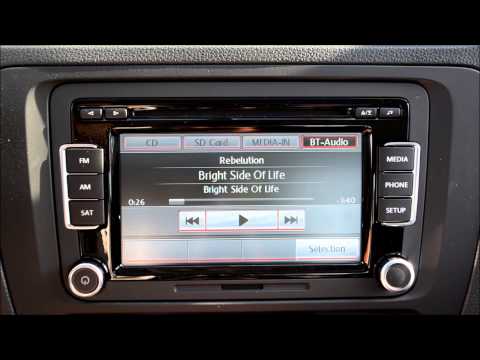
Volkswagen Volkswagen Various
In today's video, you will learn how to connect your phone to the Bluetooth system in Volkswagen vehicles from the mid-2000s, specifically those equi…
Volkswagen Volkswagen Various
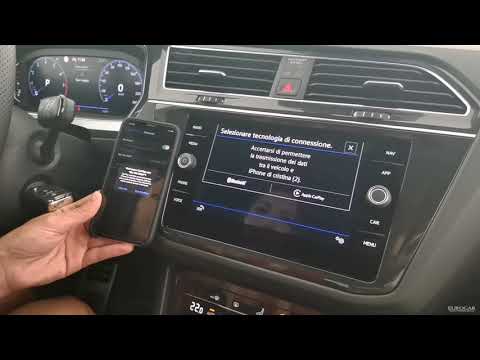
In this video we see how to connect our phone to our Volkswagen car wirelessly: from the main menu of our car on the infotainment screen, we locate t…
Volkswagen Volkswagen Various
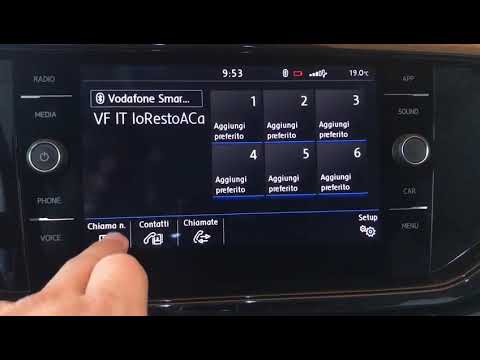
Let’s see how to manage the infotainment system on Volkswagen. On the sides, there are buttons for everything we can control. Scrolling through, we h…
Other guides you may be interested in
|
How to Reset the Tyre Pressure Light on the Opel Grandland X
While driving, if you notice the tyre pressure warning light coming on, first check the actual inflation pressure of the tyres and, if necessary, restore the pressures recommended by the manufacturer. After restoring the correct pressures, you need to reset the warning light that has illuminated on the instrument cluster. To do this, locate the reset button on the lower central console. Press this button and hold it down for at least 3 seconds, after which the low pressure indication will turn off. by ScegliAuto More videos
|
|
For advertising on this site Write to info@scegliauto.com
ScegliAuto is not responsible for any inaccuracy of the data in the lists. To report any inaccuracy or your business (if you own the business in question), please write to info@scegliauto.com
Number of seconds to generate the page: 0.054
(c) ScegliAuto 2026 - info@scegliauto.com - Privacy policy VAT number: IT01247470535 |
