
|
Do it yourself
| |||
| ||||


How to Manage the Climate Control Menu on a Volkswagen Golf VII
Model: Volkswagen Golf
Golf VII, MK 7, Golf 7
- Years 2012-2019
On the Volkswagen Golf VII, the climate control menu opens from the central display. Locate the touch panel in the centre of the dashboard and press the "Menu" button. The climate control interface will appear on the display. From here, you can: turn off the climate control, synchronise temperatures between the driver and passenger, activate the air conditioning, and adjust the ventilation. The system is intuitive and allows you to manage all climate functions with a few taps. The menu is accessible even while driving, but safety dictates that settings should be adjusted while the vehicle is stationary, or by the passenger.
Posted on 1 September 2026 by ScegliAuto
Video tutorial
Related tutorials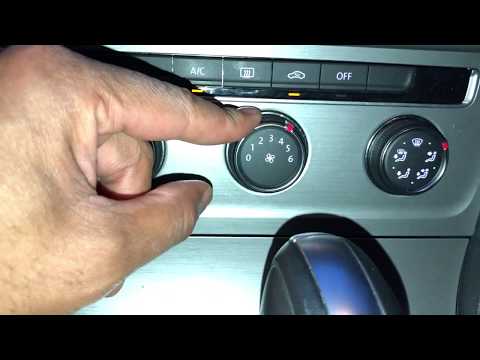
Volkswagen Golf
(2012-2019 /
Golf VII, MK 7, Golf 7)
This guide provides instructions for using the climate control commands on a Volkswagen Golf, both with automatic and manual climate control. First, …
Volkswagen Golf
(2012-2019 /
Golf VII, MK 7, Golf 7)
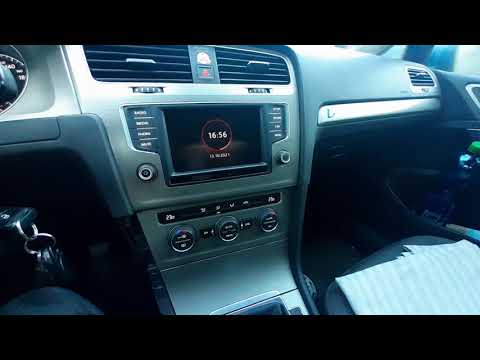
To reset the Climatronic on the Volkswagen Golf, turn on the instrument panel by inserting the key into the ignition and turning it: when the instrum…
Volkswagen Golf
(2008-2012 /
MK 6, Golf VI, Golf 6, 5K1)
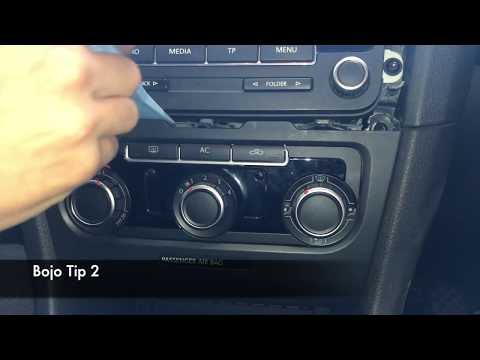
To replace the climate control unit on the Volkswagen Golf 6, first use a lever tool to remove the plastic cover around the central display. Once rem…
Other guides you may be interested in
|
How to set the clock on the Opel Zafira
Setting the clock to the current Italian time on an Opel Zafira model B vehicle is a very simple operation, which can also be done independently thanks to our short instructional video. The first thing to do is to turn on the instrument panel and then press the SETTING button, located on the central dashboard. Once inside the menu, use the buttons to navigate to the clock setting. Change the hours and minutes and restart the instrument panel. If the clock is not updated, a diagnosis may be necessary at the radio or vehicle control unit. by ScegliAuto More videos
|

|
For advertising on this site Write to info@scegliauto.com
ScegliAuto is not responsible for any inaccuracy of the data in the lists. To report any inaccuracy or your business (if you own the business in question), please write to info@scegliauto.com
Number of seconds to generate the page: 0.066
(c) ScegliAuto 2026 - info@scegliauto.com - Privacy policy VAT number: IT01247470535 |
