
|
Do it yourself
| |||
| ||||


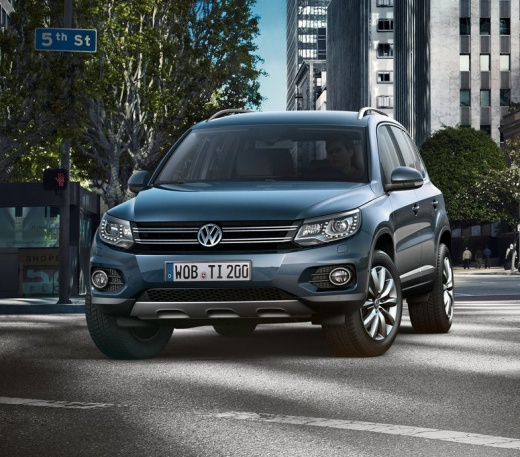
How to Disable the Start&Stop on a Volkswagen Tiguan?
Model: Volkswagen Tiguan
- Years:
2007, 2008, 2009, 2010, 2011, 2012, 2013, 2014, 2015, 2016
Video tutorial
To disable the Start&Stop feature on a Volkswagen Tiguan, turn on the instrument panel by inserting the ignition key into the corresponding switch: once the panel is on, locate the button with an A inside a circular arrow at the bottom of the central panel. You will see a message on the instrument panel indicating that the system is disabled; to reactivate it, press the button again or turn the panel off and on.
Posted on 22 October 2026 by ScegliAuto
Related tutorials
Volkswagen Tiguan
(2016-2025 /
MK 2, BW, AD)
In order to permanently deactivate the Start&Stop system of the Volkswagen Tiguan, you need to connect a diagnostic tool to the OBD port of the vehic…

Volkswagen Tiguan
(2007-2016 /
5N, MK 1)
Briefly, here are the instructions to temporarily disable the Start&Stop system on the Volkswagen Tiguan. First, get in the vehicle and turn on the i…
Volkswagen Tiguan
(2016-2025 /
MK 2, BW, AD)
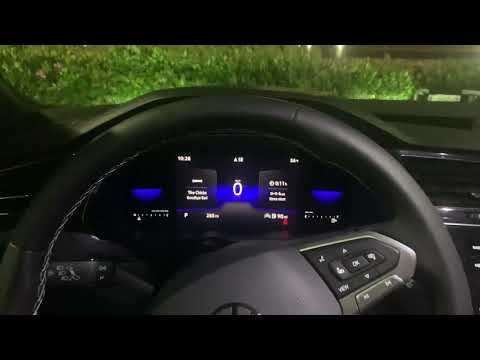
To disable the Start&Stop on the Volkswagen Tiguan, insert the ignition key into the ignition switch and press the engine start button once to turn o…
Other guides you may be interested in
|
How to Reset the Tyre Pressure Light on the Suzuki Swift?
To reset the tyre pressure light on the Suzuki Swift, inflate the tyres to the recommended pressure value, which is indicated on the sticker affixed to the driver's door pillar. After inflating the tyres, enter the cabin and press and hold the button at the top right of the instrument cluster. Rotate it to scroll through the menu that appears until you select "TPMS" and then "Tyre pressure". On the subsequent screen, press and hold the button to permanently clear the light. by ScegliAuto More videos
|
|
For advertising on this site Write to info@scegliauto.com
ScegliAuto is not responsible for any inaccuracy of the data in the lists. To report any inaccuracy or your business (if you own the business in question), please write to info@scegliauto.com
Number of seconds to generate the page: 0.072
(c) ScegliAuto 2026 - info@scegliauto.com - Privacy policy VAT number: IT01247470535 |
