
|
Do it yourself
| |||
| ||||


How to Remove the Air Vents from a VW Polo
Model: Volkswagen Polo
Polo 5, Polo V, MK 5, MK V, 6R
- Years 2009-2017
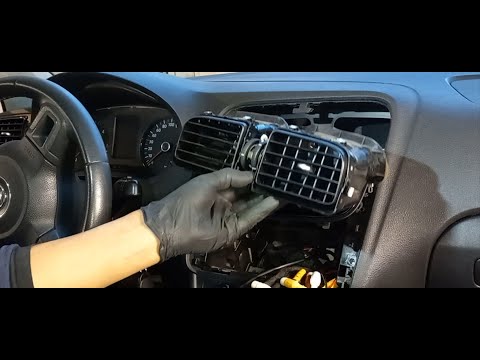
When cleaning the interior, to ensure everything is hygienically cleaned, it is advisable to remove the air vents for a thorough and accurate clean. To remove the vents, use a plastic spatula to pry around the trim frame and detach the vents from their housing without damaging the trim or the dashboard edge. For the central air vents, first, remove the radio and climate control by taking off the trims and the corresponding fixing screws.
Updated on 16 March 2026 by ScegliAuto
Video tutorial
Related tutorials
Volkswagen Polo
(2009-2017 /
Polo 5, Polo V, MK 5, MK V, 6R)
In this tutorial we can see how to replace the front air vents in the Volkswagen Polo, an extremely simple and fast operation. First of all, make sur…
Volkswagen Polo
(2009-2017 /
Polo 5, Polo V, MK 5, MK V, 6R)
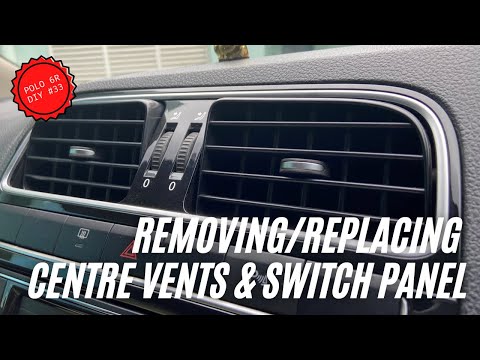
This tutorial shows how to remove the central air vents in a Volkswagen Polo, a straightforward and quick operation that requires removing the radio.…
Volkswagen Polo
(2009-2017 /
Polo 5, Polo V, MK 5, MK V, 6R)
To remove the air vents from a Volkswagen Polo, first disconnect the radio to access the screws in its housing. By unscrewing these screws, you can e…
Other guides you may be interested in
|
Where is the Spare Wheel in the Peugeot 5008?
This video shows where the spare wheel is located in the Peugeot 5008 and how to access it, useful in case of a puncture. As shown, the wheel is not in the usual boot compartment but underneath it, outside the vehicle. To free the wheel, first gather the tools provided, then open the boot, locate the small indicated hatch, and open it. Next, loosen the bolt just released using the large socket wrench enough to lower the wheel to the ground. by ScegliAuto More videos
|
|
For advertising on this site Write to info@scegliauto.com
ScegliAuto is not responsible for any inaccuracy of the data in the lists. To report any inaccuracy or your business (if you own the business in question), please write to info@scegliauto.com
Number of seconds to generate the page: 0.066
(c) ScegliAuto 2026 - info@scegliauto.com - Privacy policy VAT number: IT01247470535 |
