
|
Do it yourself
| |||
| ||||


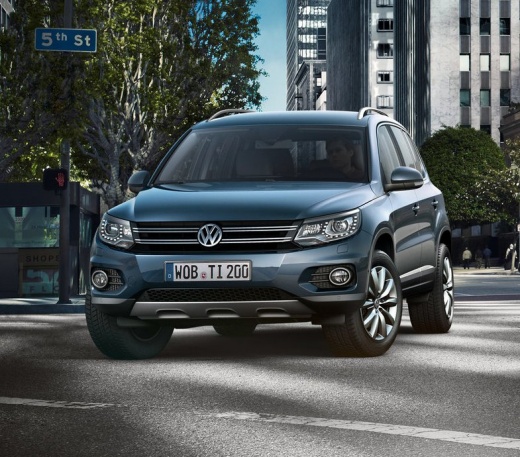
Reset Inspection on Tiguan
Model: Volkswagen Tiguan
5N, MK 1
- Years:
2007, 2008, 2009, 2010, 2011, 2012, 2013, 2014, 2015, 2016
Video tutorial
Learn how to turn off the maintenance light on a Tiguan when it appears on the instrument cluster. Enter the cabin and turn on the instrument cluster with the ignition key, then navigate to the settings menu (using the buttons on the steering wheel). Scroll until you find the maintenance message. Select the desired maintenance and press the confirmation button firmly. Turn off the instrument cluster once the light has been extinguished. Always remember to make changes to the vehicle with the engine off. Set the various options of the car using the instrument cluster menu and the buttons on the steering wheel.
Updated on 30 March 2026 by ScegliAuto
Related tutorials
Volkswagen Tiguan
(2007-2016 /
5N, MK 1)
In a few simple steps, you will see the procedure for resetting the inspection light (service) of the Volkswagen Tiguan. First, get inside the cabin …

Volkswagen Tiguan
(2016-2025 /
BW, MK 2, AD)
Below we will discover the instructions for resetting the maintenance service light on the Volkswagen Tiguan. First, we get into the car and start th…

Volkswagen Tiguan
(2016-2025 /
BW, MK 2, AD)
Shortly we will see the steps on how to reset the inspection reminder (service) of the Volkswagen Tiguan. First of all, we get into the car and start…
Other guides you may be interested in
|
How to Program a New Key for a Mini Cooper
Programming a new key for a Mini Cooper model R56 is a very simple operation. The first thing to do is to get into the vehicle and sit in the driver's seat. Next, insert the new key into the ignition slot and start the car; after a few seconds, turn off the car and remove the key from the ignition. Wait a few seconds and repeat this process three more times before hitting the road. By doing this, your new key will be perfectly programmed for starting and stopping the vehicle. by ScegliAuto More videos
|
|
For advertising on this site Write to info@scegliauto.com
ScegliAuto is not responsible for any inaccuracy of the data in the lists. To report any inaccuracy or your business (if you own the business in question), please write to info@scegliauto.com
Number of seconds to generate the page: 0.128
(c) ScegliAuto 2026 - info@scegliauto.com - Privacy policy VAT number: IT01247470535 |
