
|
Do it yourself
| |||
| ||||



How to Replace the Remote Battery on a Volkswagen Golf 7?
Model: Volkswagen Golf
MK 7, Golf 7, Golf VII
- Years:
2012, 2013, 2014, 2015, 2016, 2017, 2018, 2019
Video tutorial
To replace the remote battery on a Volkswagen Golf 7, press the button located on the front of the remote to lift the key and free its housing. Once free, pry inside to remove the cover from the back of the remote. Underneath, you will find the battery, which should be extracted from its housing and replaced with a new spare part. After inserting the new battery, close the remote and lower the key.
Updated on 30 April 2026 by ScegliAuto
Related tutorials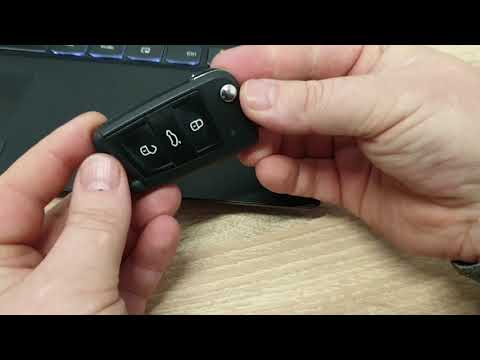
Volkswagen Golf
(2012-2019 /
MK 7, Golf 7, Golf VII)
To replace the remote battery for the Volkswagen Golf 7, lift the key after pressing the designated button on the top of the device. Once the key is …
Volkswagen Golf
(2003-2008 /
Golf 5, MK 5, Golf V)
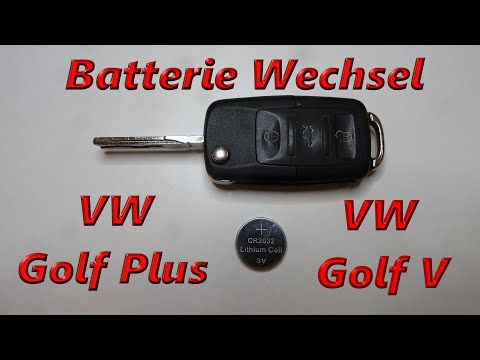
To replace the battery in the key fob of a Volkswagen Golf, lift the emergency key by pressing the button located at the top of the fob. Once the key…
Volkswagen Golf
(2012-2019 /
MK 7, Golf 7, Golf VII)
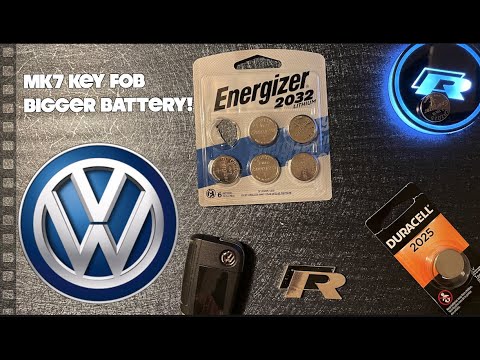
To replace the battery in the remote for the Volkswagen Golf 7, lift the key using the designated button on the top of the device: once the key is li…
Other guides you may be interested in
|
How to Activate the Disabled TRC on the Toyota Yaris?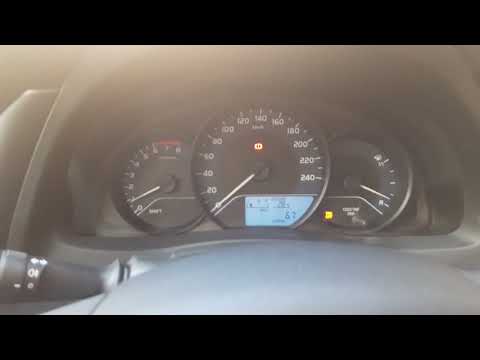
As the video clearly shows, disabling or activating the traction control (TRC or ESP) on the Toyota Yaris is very simple. By default, the traction system activates every time the vehicle is started. To disable it, simply press the button depicting a skidding car located in the centre of the vehicle where the controls are, such as the hazard lights and the radio, but near the handbrake. Once disabled, the TRC off light will illuminate on the dashboard. To reactivate it, just press the same button again. by ScegliAuto More videos
|
|
For advertising on this site Write to info@scegliauto.com
ScegliAuto is not responsible for any inaccuracy of the data in the lists. To report any inaccuracy or your business (if you own the business in question), please write to info@scegliauto.com
Number of seconds to generate the page: 0.130
(c) ScegliAuto 2026 - info@scegliauto.com - Privacy policy VAT number: IT01247470535 |
