
|
Do it yourself
| |||
| ||||


How to Reset the Volkswagen Up After Checking Tyre Pressure
Model: Volkswagen Up
MK 1
- Years 2011-2024
This video shows how to reset the Volkswagen Up after checking the tyre pressure. When the orange engine anomaly symbol appears, check the vehicle's manual to see what the anomaly refers to. If it concerns tyre pressure, do not continue driving as it could put you in danger. Additionally, you would wear out the tyres and consume more fuel. Instead, check the pressure, and when it is back to normal, get back in the vehicle. To reset the system, simply press and hold the button located inside the glove compartment on the passenger side for a few seconds, as shown in the video.
Updated on 20 May 2026 by ScegliAuto
Video tutorial
Related tutorials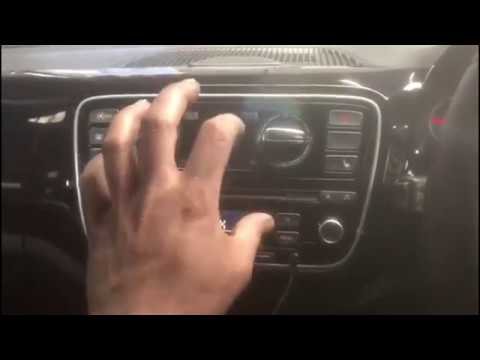
Volkswagen Up
(2011-2024 /
MK 1)
When the tyre pressure warning light activates on the dashboard of your Volkswagen Up, it indicates that the pressure in one or more tyres is below t…
Volkswagen Up
(2011-2024 /
MK 1)
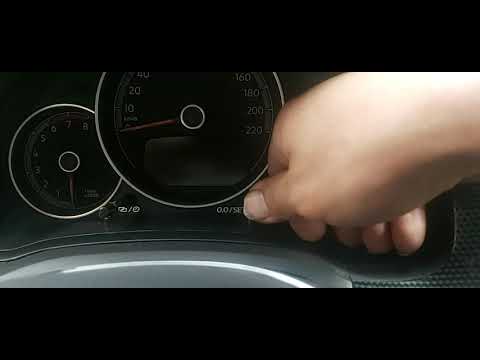
In this video tutorial, see how to reset the service light, an operation to perform after completing the service, on a Volkswagen Up. First, before s…
Volkswagen Up
(2011-2024 /
MK 1)
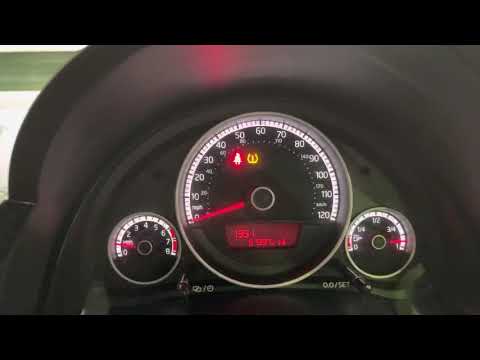
To reset the tyre pressure warning light on a Volkswagen Up, first inflate the tyres to the recommended pressure, which is stated on the sticker loca…
Other guides you may be interested in
|
How to Replace the Cabin Filter on the Opel Grandland X
If you own an Opel Grandland X and want to know the steps to replace the cabin air filter, carefully read the following guide and follow the described steps. First, enter the vehicle and go to the passenger side. Then, locate the box containing the air filter in the lower side area of the dashboard. Remove the cover of the box and finally replace the old filter with the new one. Refit the cover, and you are done. by ScegliAuto More videos
|
|
For advertising on this site Write to info@scegliauto.com
ScegliAuto is not responsible for any inaccuracy of the data in the lists. To report any inaccuracy or your business (if you own the business in question), please write to info@scegliauto.com
Number of seconds to generate the page: 0.395
(c) ScegliAuto 2026 - info@scegliauto.com - Privacy policy VAT number: IT01247470535 |
