
|
Do it yourself
| |||
| ||||


How to Reset the Service on a Volkswagen Tiguan?
Model: Volkswagen Tiguan
BW, MK 2, AD
- Years 2016-2025
In this tutorial, you will see how to reset the service on a Volkswagen Tiguan, a very simple and quick operation. Before proceeding, ensure that you have completed all required scheduled maintenance tasks. Start by entering the cabin and turning on the instrument panel, then navigate to the "Driving data" screen by scrolling to the right. Next, press and hold the "OK" button for about 5 seconds to access the maintenance menu. At this point, you can reset the service using the appropriate option and restart the vehicle.
Updated on 17 June 2026 by ScegliAuto
Video tutorial
Related tutorials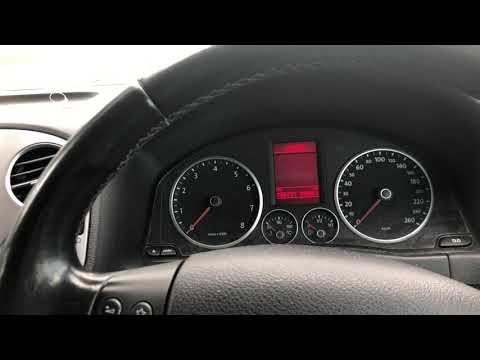
Volkswagen Tiguan
(2007-2016 /
5N, MK 1)
Before you begin, ensure that the service has been carried out, then sit in the driver's seat of your Volkswagen Tiguan. Start by activating the inst…

Volkswagen Tiguan
(2016-2025 /
BW, MK 2, AD)
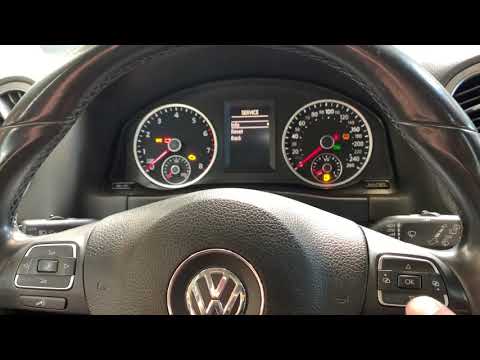
Today, we will look at how to reset the maintenance light on a Volkswagen Tiguan. First, get inside the vehicle and turn on the instrument panel. Usi…
Volkswagen Tiguan
(2007-2016 /
5N, MK 1)
In today's video, you will learn how to reset the expired service light on the Volkswagen Tiguan. This operation is useful after performing a service…
Other guides you may be interested in |
How to Replace the Gear Knob on the Citroen C3 2015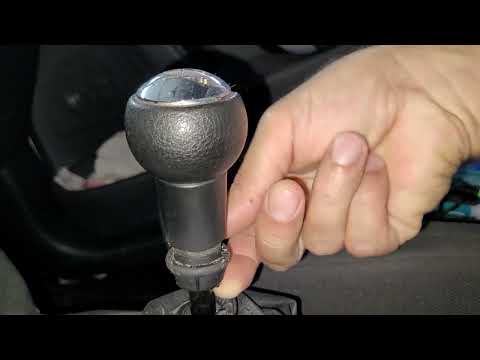
In this mini guide, you will learn how to correctly replace the gear knob on your 2015 Citroen C3. First, ensure you purchase a new gear knob that is fully compatible with your vehicle. Then, enter the cabin and use a flat screwdriver (or a key) to remove the plastic cover from the gear lever. Next, break the safety clip and remove the leather cover. At this point, you can detach the gear knob and replace it with the new one. by ScegliAuto More videos
|
|
For advertising on this site Write to info@scegliauto.com
ScegliAuto is not responsible for any inaccuracy of the data in the lists. To report any inaccuracy or your business (if you own the business in question), please write to info@scegliauto.com
Number of seconds to generate the page: 0.095
(c) ScegliAuto 2026 - info@scegliauto.com - Privacy policy VAT number: IT01247470535 |
