
|
Do it yourself
| |||
| ||||


How to Replace the Radio with a CarPlay Unit in a Volkswagen Polo IV
Model: Volkswagen Polo
MK IV, Polo 4, 9N, MK 4, Polo IV
- Years:
2001, 2002, 2003, 2004, 2005, 2006, 2007, 2008, 2009
Video tutorial
Remove the existing radio and install a CarPlay unit in a Volkswagen Polo. Depending on the model, CarPlay can cost between £115 and £280 on major e-commerce platforms. Start by removing the trim around the existing radio using plastic levers. You will see the four screws holding the radio, which you need to remove. Take out the radio by disconnecting the rear plugs, noting their arrangement. Connect the new CarPlay unit properly. Refit the four screws. Reinsert the trim by applying pressure. The YouTuber tests Apple CarPlay (but it also works with Android Auto, of course). His vehicle does not have speakers, but it connects via Siri (on Android via Google).
Updated on 14 July 2026 by ScegliAuto
Related tutorials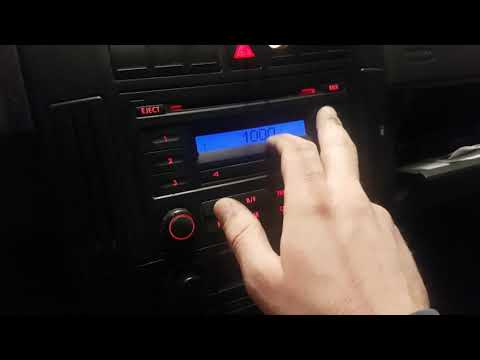
Volkswagen Polo
(2001-2009 /
MK IV, Polo 4, 9N, MK 4, Polo IV)
To reactivate the radio in your Volkswagen Polo independently, with the radio unlock code (which is provided at the time of vehicle purchase along wi…
Volkswagen Polo
(2009-2017 /
6R, MK V, Polo 5, Polo V, MK 5)
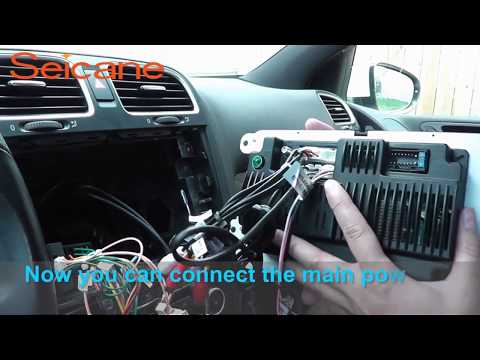
Remove the radio from the Volkswagen Polo if it is damaged or if you want to change it. Use a plastic lever to remove the radio trim (without damagin…

Volkswagen Polo
(2009-2017 /
6R, MK V, Polo 5, Polo V, MK 5)
Hello, today you will unlock the radio on your Volkswagen Polo. Start by turning on the radio by pressing the power button. Then, a request for a cod…
Other guides you may be interested in
|
How to Reset the Tire Pressure Light on a MG ZS?
On the instrument cluster of the MG ZS, the tire pressure light that appears can be reset by inflating the tires to the correct pressure: this value will be indicated on the sticker attached to the driver's door pillar. Once the tires have been properly inflated, you can turn on the instrument cluster and navigate through the menu until you find the option that indicates tire pressure: if this screen shows the new values, the light will turn off; otherwise, you will need to drive for a few miles so that the sensors can read the new values and turn off the light afterward. by ScegliAuto More videos
|
|
For advertising on this site Write to info@scegliauto.com
ScegliAuto is not responsible for any inaccuracy of the data in the lists. To report any inaccuracy or your business (if you own the business in question), please write to info@scegliauto.com
Number of seconds to generate the page: 0.015
(c) ScegliAuto 2026 - info@scegliauto.com - Privacy policy VAT number: IT01247470535 |
