
|
Do it yourself
| |||
| ||||


Repairing the Indicator Button
Model: Volkswagen Golf
MK 5, Golf 5, Golf V
- Years 2003-2008
If the indicator button does not activate when pressed, the contact on the internal circuit board may have oxidised. To clean it, you need to disassemble the button. Start by removing the grille at the centre of the dashboard, just above the central console air vents. Remove the underlying reinforcement plate and then detach the air vents, which house the indicator button. Disconnect and extract the button, then remove the front part and clean the contact with electrical contact spray, possibly scraping it a bit as well.
Updated on 18 February 2026 by ScegliAuto
Video tutorial
Related tutorials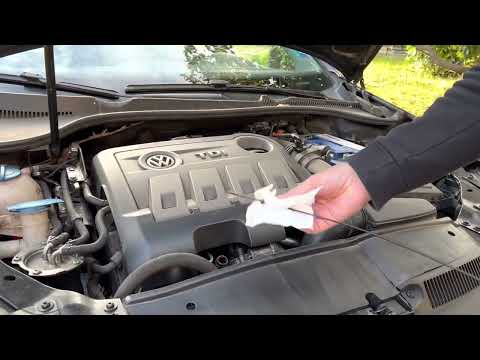
Volkswagen Golf
(2008-2012 /
MK 6, Golf VI, Golf 6, 5K1)
In this video, you will see what work has been necessary to keep the engine of a Volkswagen Golf running efficiently after it has already covered ove…

Volkswagen Golf
(1991-1997 /
Golf III, MK 3, Golf 3)
The Volkswagen Golf model produced from 1994 to 1998 has a fuse box inside. The fuse box is located inside the front hood, specifically near the car'…
Volkswagen Golf
(2012-2019 /
Golf VII, MK 7, Golf 7)
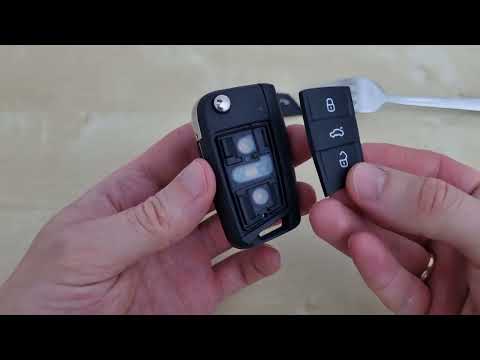
Due to excessive wear, it may happen that the buttons on your Volkswagen Golf Mk 7 key stop working suddenly. If this has happened to you, do not wor…
Other guides you may be interested in
|
How to Set the Clock on the Opel Zafira
Setting the clock to the current Italian time on an Opel Zafira model B is a very simple operation, also made easier by our short instructional video. The first step is to turn on the instrument panel and then press the SETTING button located on the central dashboard. Once inside the menu, use the buttons to navigate to the clock setting. Adjust the hours and minutes and restart the instrument panel. If the clock does not update, it may be necessary to diagnose the radio or the vehicle's control unit. by ScegliAuto More videos
|
|
For advertising on this site Write to info@scegliauto.com
ScegliAuto is not responsible for any inaccuracy of the data in the lists. To report any inaccuracy or your business (if you own the business in question), please write to info@scegliauto.com
Number of seconds to generate the page: 0.259
(c) ScegliAuto 2026 - info@scegliauto.com - Privacy policy VAT number: IT01247470535 |
