
|
Do it yourself
| |||
| ||||


Where to Find the Chassis Number on the Volkswagen Polo Fox
Model: Volkswagen Polo
MK IV, Polo IV, Polo 4, MK 4, 9N
- Years 2001-2009
Let's see where to locate the "legal" chassis number on the Volkswagen Polo Fox. The chassis number that the authorities or police want to see during a check is not the one on the left side of the windscreen. That is simply a "courtesy" plate to make the chassis number readable during buying and selling. The legal chassis number is stamped (correctly) on the chassis, and each make, model, version, and almost production year has its own location. In the case of the Polo Fox, you need to unclip the rear seat, push it forward, and lift it. You will uncover the plastic covering of the chassis. You will notice that part of the plastic has an "L" cut. Lift it, and you will discover the chassis number.
Updated on 10 August 2026 by ScegliAuto
Video tutorial
Related tutorials
Volkswagen Polo
(2009-2017 /
Polo 5, Polo V, MK 5, MK V, 6R)
To locate the legal frame number of a Volkswagen Polo Mk5, note that the number found on the plate at the bottom of the windscreen in front of the dr…
Volkswagen Polo
(2009-2017 /
Polo 5, Polo V, MK 5, MK V, 6R)
In this brief guide, we will see where to find the chassis and engine identification numbers of the Volkswagen Polo, in simple steps. First, open the…
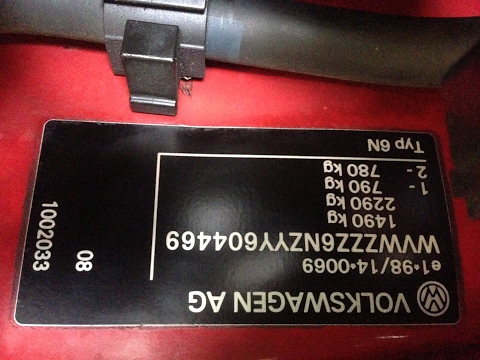
Volkswagen Polo
(1994-2003 /
MK III, Polo III, Polo 3, MK 3, 6N)
In this video, you will see where to locate the VIN (Vehicle Identification Number) and other useful numbers on a Volkswagen Polo 6N. First, the YouT…
Other guides you may be interested in
|
Frequently Asked QuestionsHow to Set the Clock on the Opel Zafira
Setting the clock to the current Italian time on an Opel Zafira model B is a very simple operation, also made easier by our short instructional video. The first step is to turn on the instrument panel and then press the SETTING button located on the central dashboard. Once inside the menu, use the buttons to navigate to the clock setting. Adjust the hours and minutes and restart the instrument panel. If the clock does not update, it may be necessary to diagnose the radio or the vehicle's control unit. by ScegliAuto More videos
|
|
For advertising on this site Write to info@scegliauto.com
ScegliAuto is not responsible for any inaccuracy of the data in the lists. To report any inaccuracy or your business (if you own the business in question), please write to info@scegliauto.com
Number of seconds to generate the page: 0.192
(c) ScegliAuto 2026 - info@scegliauto.com - Privacy policy VAT number: IT01247470535 |
