
|
Do it yourself
| |||
| ||||


How to Remove the Radio from the VW Tiguan
Model: Volkswagen Tiguan
5N, MK 1
- Years 2007-2016
Removing the radio is fairly simple and does not require special extraction keys; start by removing the two inserts located beside the hazard light button, then unscrew the screws underneath that secure the trim around the radio; then lever along the edges of the trim to unclip and remove it complete with the air vents; at this point, you can unscrew the four screws securing the radio located at each corner, then pull it from its housing and disconnect the relevant connectors.
Updated on 20 February 2026 by ScegliAuto
Video tutorial
Related tutorials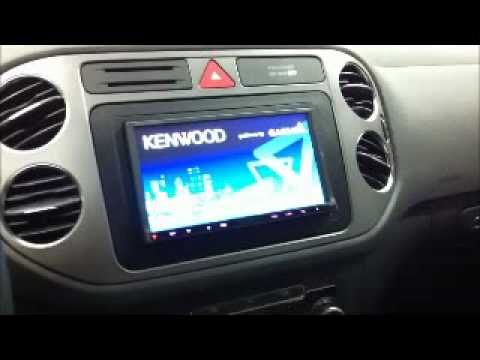
Volkswagen Tiguan
(2007-2016 /
5N, MK 1)
Do you want to remove the radio from the Tiguan? Let's look at how to take out all the parts to replace the radio. Enter the vehicle and locate the p…

Volkswagen Tiguan
(2007-2016 /
5N, MK 1)
Very often, this video tutorial confirms it, you dismantle the car radio of your own car to replace it with a more technologically advanced and curre…
Volkswagen Tiguan
(2016-2025 /
BW, MK 2, AD)
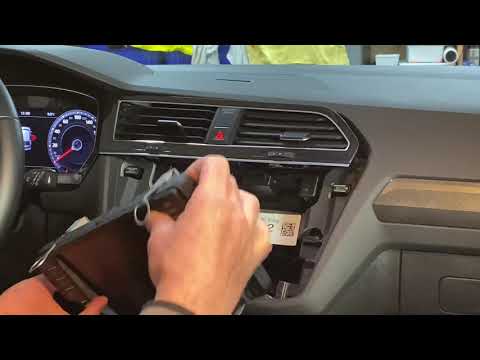
In today's video, see how to dismantle the radio from a Volkswagen Tiguan. First, obtain a plastic trim tool to release the components. Start from th…
Other guides you may be interested in
|
Frequently Asked QuestionsFuses Location and Diagram for the Volkswagen Crafter
In this guide, we will look at the location of the fuse boxes and how to find their diagram for the Volkswagen Crafter. First, get inside the vehicle and start by removing the plastic cover found under the steering wheel, to access the internal fuse box; you will find another fuse box in the engine compartment by removing the plastic cover located next to the battery. At this point, use the owner's manual to find the fuse diagram, which will allow you to identify and replace any blown fuses with new ones! by ScegliAuto More videos
|
|
For advertising on this site Write to info@scegliauto.com
ScegliAuto is not responsible for any inaccuracy of the data in the lists. To report any inaccuracy or your business (if you own the business in question), please write to info@scegliauto.com
Number of seconds to generate the page: 0.147
(c) ScegliAuto 2026 - info@scegliauto.com - Privacy policy VAT number: IT01247470535 |
