
|
Do it yourself
| |||
| ||||


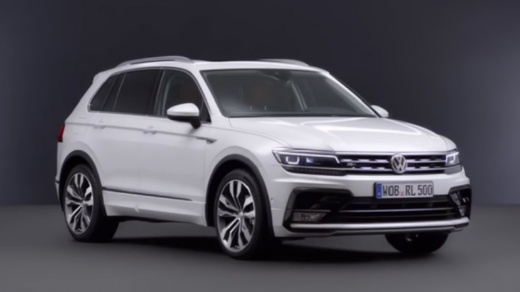
How to Disable the Alarm of the Volkswagen Tiguan?
Model: Volkswagen Tiguan
BW, MK 2, AD
- Years:
2016, 2017, 2018, 2019, 2020, 2021, 2022, 2023, 2024, 2025
Video tutorial
To disable the alarm of the Volkswagen Tiguan, turn on the ignition by inserting the key into the corresponding ignition switch. Once the ignition is on, press the MENU button and then select 'Vehicle'. Now select 'Settings' at the bottom right and scroll to select 'Opening and Closing': another screen will appear where you can check or uncheck the option related to the alarm. By unchecking the option, you will notice that the alarm will be disabled.
Updated on 2 October 2026 by ScegliAuto
Related tutorials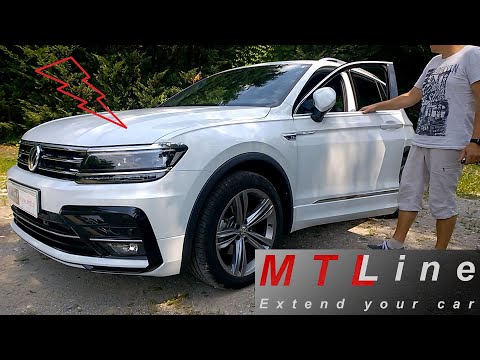
Volkswagen Tiguan
(2016-2025 /
BW, MK 2, AD)
To disable the alarm on the Volkswagen Tiguan, turn on the instrument cluster by inserting the ignition key: then connect the diagnostic tool to the …

Volkswagen Tiguan
(2007-2016 /
5N, MK 1)
This guide provides instructions to activate or deactivate the alarm when opening the doors of a Volkswagen Tiguan. First, get into the vehicle and t…
Volkswagen Tiguan
(2016-2025 /
BW, MK 2, AD)
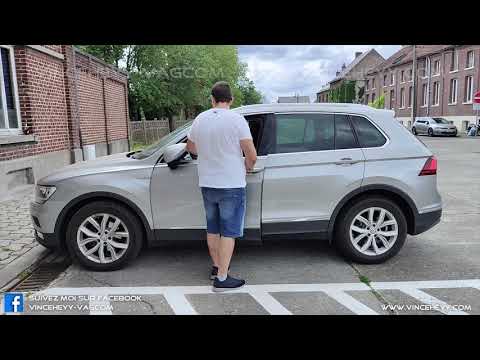
To disable the alarm system of the Volkswagen Tiguan, connect a diagnostic tool to the vehicle's OBD port, located under the steering column. Once th…
Other guides you may be interested in
|
How to Open the Hood of the BMW X3
Today, you will learn how to open and close the hood of the BMW X3. To perform this simple operation, lift the hood release lever located next to the door seal on the driver’s side. After pulling the lever, you will notice that the hood will lift slightly. Position yourself in front of the hood and lift it after moving the internal lever from left to right. To keep the hood secure during maintenance, use the side support rod. To close the hood, simply let it fall back into place. by ScegliAuto More videos
|
|
For advertising on this site Write to info@scegliauto.com
ScegliAuto is not responsible for any inaccuracy of the data in the lists. To report any inaccuracy or your business (if you own the business in question), please write to info@scegliauto.com
Number of seconds to generate the page: 0.082
(c) ScegliAuto 2026 - info@scegliauto.com - Privacy policy VAT number: IT01247470535 |
