
|
Do it yourself
| |||
| ||||


How to install a carbon look wheel cover on a Volkswagen Tiguan
Model: Volkswagen Tiguan
5N, MK 1
- Years 2007-2016
In this video we can see how to install a carbon look steering wheel cover on the Volkswagen Tiguan: it is a very pleasant accessory that we can find on the qspcars website by following the path interiors/accessories steering wheel. Here we can find the universal sporty carbon effect steering wheel cover illustrated in the video in three different colors, priced at 23.53 euros, with free shipping. The installation, as we can see, is extremely easy and within everyone's reach, and ensures the protection of the steering wheel offering greater maneuverability and increasing sensitivity and driving comfort.
Posted on 29 June 2024 by ScegliAuto
Video tutorial
Related tutorials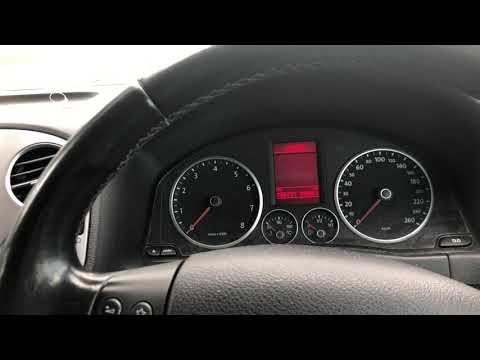
Volkswagen Tiguan
(2007-2016 /
5N, MK 1)
Before you begin, ensure that the service has been carried out, then sit in the driver's seat of your Volkswagen Tiguan. Start by activating the inst…
Volkswagen Tiguan
(2007-2016 /
5N, MK 1)
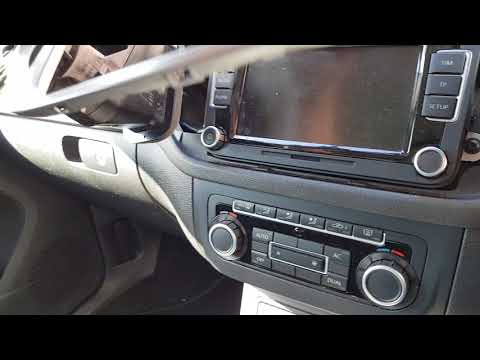
Want to remove the stereo from your Volkswagen Tiguan but don't know how? Here's how to remove the original stereo from the car. First, remove the pl…
Volkswagen Tiguan
(2016-2025 /
BW, MK 2, AD)
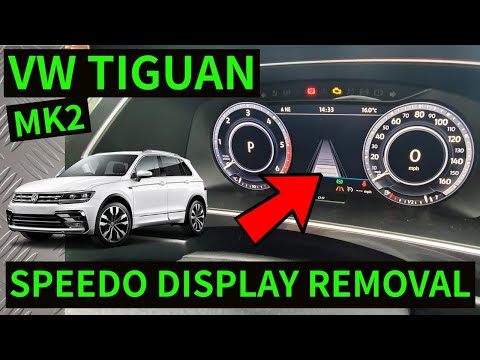
In this tutorial, we will see how to remove the instrument cluster in a Volkswagen Tiguan, a very simple and quick operation. First, ensure the key i…
Other guides you may be interested in
|
How to Reset the Tyre Pressure Light on the Opel Grandland X
While driving, if you notice the tyre pressure warning light coming on, first check the actual inflation pressure of the tyres and, if necessary, restore the pressures recommended by the manufacturer. After restoring the correct pressures, you need to reset the warning light that has illuminated on the instrument cluster. To do this, locate the reset button on the lower central console. Press this button and hold it down for at least 3 seconds, after which the low pressure indication will turn off. by ScegliAuto More videos
|
|
For advertising on this site Write to info@scegliauto.com
ScegliAuto is not responsible for any inaccuracy of the data in the lists. To report any inaccuracy or your business (if you own the business in question), please write to info@scegliauto.com
Number of seconds to generate the page: 0.195
(c) ScegliAuto 2026 - info@scegliauto.com - Privacy policy VAT number: IT01247470535 |
