
|
Do it yourself
| |||
| ||||


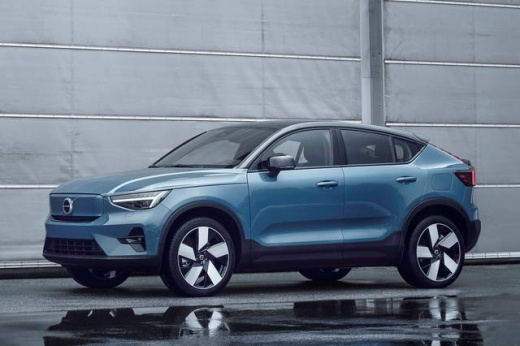
In the Volvo C40, how do you reset the service light?
Model: Volvo C40
MK 1
- Years:
2021, 2022, 2023, 2024, 2025, 2026
Video tutorial
The procedure for resetting the Service light in the Volvo C40, the car presented in the video at our disposal, is as follows: turn on the instrument panel, then the Start and Stop button, then press the button marked with this symbol "-" on the steering wheel and wait for the reset to occur, in fact, a message will appear on the onboard computer confirming this. The fundamental premise to always make is to check in the vehicle's user manual which maintenance interventions are planned, and then make sure to carry them all out correctly, so as not to risk the efficiency of your car.
Posted on 20 September 2025 by ScegliAuto
Related tutorials
Volvo C40
(2021-2026 /
MK 1)
Today, you will learn how to reset the service light on the 2021 Volvo C40. To perform the reset, you need to: - close all doors; - press the Menu bu…

Volvo C40
(2021-2026 /
MK 1)
Let's look at the location of the fuse boxes in the Volvo C40: In the engine compartment, there are two boxes; the first protects the main engine sys…
ScegliAuto offers an extensive international collection of automotive tutorials available in 12 languages. Each guide combines instructional videos with original explanations written by experienced human editors, along with information about the car models covered.
Other guides you may be interested in
|
How to Reset the Tyre Pressure Warning Light on the Jeep Compass?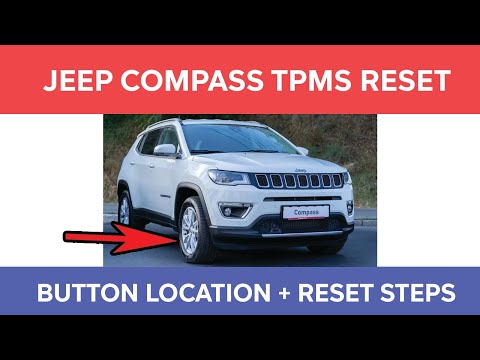
To reset the tyre pressure warning light on the Jeep Compass, inflate all tyres to the correct pressure value, which is indicated on the sticker affixed to the driver’s door pillar. Once all tyres are at this pressure, switch on the ignition and press and hold the corresponding button located to the left of the steering wheel. This will turn off the warning light, but to prevent it from reactivating, you must reset the system using an OBD scanner connected to the designated port. by ScegliAuto More videos
|
|
For advertising on this site Write to info@scegliauto.com
ScegliAuto is not responsible for any inaccuracy of the data in the lists. To report any inaccuracy or your business (if you own the business in question), please write to info@scegliauto.com
Number of seconds to generate the page: 0.044
(c) ScegliAuto 2026 - info@scegliauto.com - Privacy policy - About us VAT number: IT01247470535 |
