
|
Do it yourself
| |||
| ||||


Alfa Romeo 159 - ClockClock Alfa Romeo 159 (2005-2011 / mk 1) Alfa Romeo 159 (2005-2011 / MK 1)
How to Set the Time on the Alfa Romeo 159? In this tutorial, you will see how to set the time on the Alfa Romeo 159, a very simple and quick operation to perform after disconnecting the battery or after …Read all… Posted on 12 August 2026 by ScegliAuto 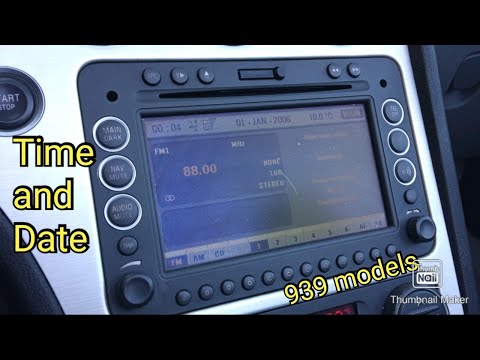 Alfa Romeo 159 (2005-2011 / MK 1)
How to adjust the time in the Alfa Romeo 159? In this tutorial we can see how to adjust the time in the Alfa Romeo 159, an extremely simple and quick operation, to be carried out for example after …Read all… Posted on 23 April 2024 by ScegliAuto 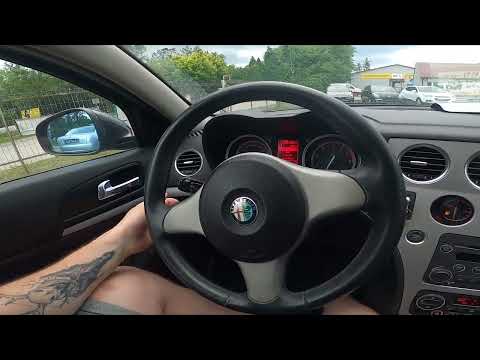 Alfa Romeo 159 (2005-2011 / MK 1)
How to Change the Time Format in the Alfa Romeo 159 In this new mini guide for all Alfa Romeo 159 owners, you will learn how to manually change the time format (from 12H to 24H and vice versa). Depending on your …Read all… Posted on 3 August 2026 by ScegliAuto 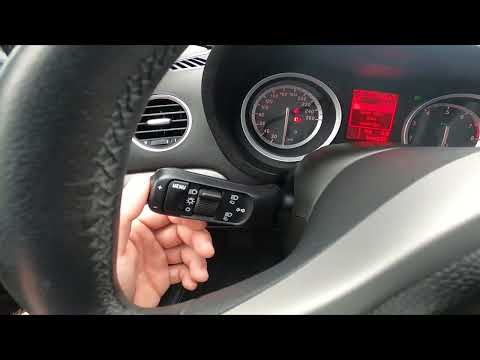 Alfa Romeo 159 (2005-2011 / MK 1)
How to Manually Change the Time on an Alfa Romeo 159 If the time displayed on your Alfa Romeo 159 is incorrect and you want to change it manually, follow these simple steps. First, insert the key and turn on the …Read all… Posted on 11 September 2026 by ScegliAuto 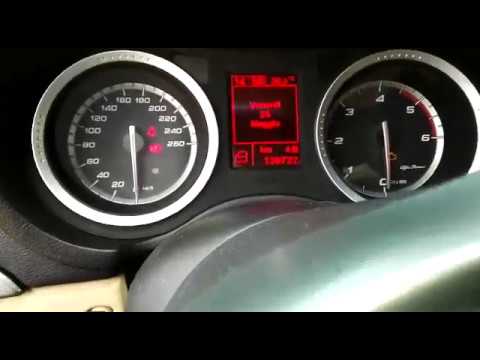 Alfa Romeo 159 (2005-2011 / MK 1)
How to Set the Time on the Alfa Romeo 159 This video shows you how to set the time on the Alfa Romeo 159. Using the 'Menu' button located on the indicator stalk to the left of the steering wheel, open …Read all… Posted on 8 September 2026 by ScegliAuto Cigarette lighter (1) Airbag (1) Alternator (3) Shocks (1) Car stereo (8) Battery (1) Air vents (2) Control arm (2) Spark plugs (2) Body (2) Key (6) Timing belt (8) Onboard computer (1) Checks and maintenance (6) Dashboard (6) Bearing (1) MAF sensor (1) Brake rotors (2) Rear bench seat (1) Headlight (2) Tail light (2) Fog lights (7) Air filter (4) Cabin air filter (5) Diesel fuel filter (6) Oil filter (5) Clutch (5) Grille (1) Window switch (1) Light bulb (4) Headlight bulb (9) Tail light bulb (1) Interior dome light bulb (3) Instrument panel light (1) License plate light (1) Handle (2) Power window motor (1) Starter motor (1) Transmission fluid (1) Engine oil (5) Clock (5) Door trim panel (8) Front bumper (3) Rear bumper (2) Shift knob (7) Fuel pump (1) Instrument cluster (3) Fuse box (10) Seat (3) Crankshaft position sensor (2) Door lock (2) Side mirror (3) Warning light – error code (3) Service warning light (17) Fuel cap (1) Windshield wipers (1) Thermostat (3) Center console tunnel (1) Turbocharger (2) Blower motor (2) Steering wheel (3) |
How to Open the Fuel Filler Flap on a Hyundai i20?
In this tutorial, you will see how to open the fuel filler flap on a Hyundai i20, a very simple operation similar to that of many vehicles. First, go inside the cabin; it is not necessary to insert the key or unlock all the locks, then locate and operate the lever situated in the lower left area of the cabin, right next to the driver's seat. Once done, exit the vehicle, fully open the flap, and unscrew the fuel cap. To close the flap, simply press it gently until you hear a click. by ScegliAuto More videos
|
|
For advertising on this site Write to info@scegliauto.com
ScegliAuto is not responsible for any inaccuracy of the data in the lists. To report any inaccuracy or your business (if you own the business in question), please write to info@scegliauto.com
Number of seconds to generate the page: 0.011
(c) ScegliAuto 2026 - info@scegliauto.com - Privacy policy VAT number: IT01247470535 |
