
|
Do it yourself
| |||
| ||||


Where to Find the OBD Port on the Alfa Romeo 147
Model: Alfa Romeo 147
MK 1
- Years 2000-2010
To easily and independently locate the OBD port inside your Alfa Romeo 147, follow the instructions in this mini guide. First, reach the driver's side of the vehicle and remove the plastic panel located at the lower area of the steering wheel. Once done, shift your attention to the left side of the dashboard, near the fuses, and locate the OBD port you were looking for. At this point, you can connect any diagnostic tools. Finally, correctly reattach the dashboard panel.
Updated on 26 June 2026 by ScegliAuto
Video tutorial
Related tutorials
Alfa Romeo 147
(2000-2010 /
MK 1)
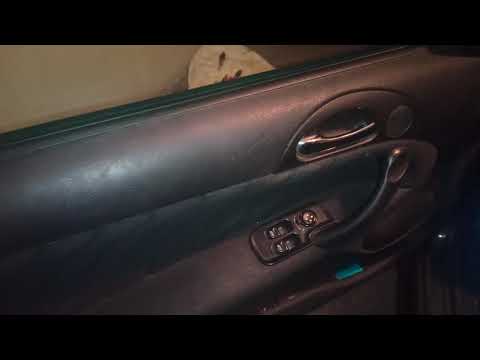
In today's video, you will see where the internal fuses and the OBD socket are located in the Alfa Romeo 147. First, you can find the complete diagra…
Alfa Romeo 147
(2000-2010 /
MK 1)
If you cannot find the location of the fuse box in your Alfa Romeo 147, simply follow this mini guide. First, enter the car (driver's side) and reach…
Alfa Romeo 147
(2000-2010 /
MK 1)
In today's video, find out where the fuse box is located in the Alfa Romeo 147. Remember to disconnect the battery when replacing one or more fuses a…
Other guides you may be interested in
|
How to reset the tyre pressure warning light on a Hyundai Tucson
Below are the instructions to reset the tyre pressure warning light (TPMS) on a Hyundai Tucson. First, get into the vehicle and turn on the instrument cluster; then navigate to the vehicle settings until you reach the tyre pressure monitor, identifying the tyre with incorrect pressure. At this point, restore all tyre pressures according to the specifications indicated on the label; this will reset the TPMS and the warning light will be cleared from the instrument cluster! by ScegliAuto More videos
|
|
For advertising on this site Write to info@scegliauto.com
ScegliAuto is not responsible for any inaccuracy of the data in the lists. To report any inaccuracy or your business (if you own the business in question), please write to info@scegliauto.com
Number of seconds to generate the page: 0.076
(c) ScegliAuto 2026 - info@scegliauto.com - Privacy policy VAT number: IT01247470535 |
