
|
Do it yourself
| |||
| ||||


How to Set the Clock on an Aprilia Scarabeo 200?
Model: Aprilia Scarabeo 200ie
Video tutorial
To set the clock on an Aprilia Scarabeo 200, turn on the ignition by rotating the key in the ignition switch. This will allow you to press and hold the MODE button until the hour display starts to flash. Now, with single presses of the MODE button, you can change the hours; once the hours are set, press and hold the button again, and the minutes will start to flash. You can modify the minutes using the same procedure.
Updated on 9 September 2026 by ScegliAuto
Related tutorials
Scarabeo 200ie
You can adjust the clock on an Aprilia Scarabeo 200ie by inserting the ignition key into the corresponding lock: once the panel is on, press and hold…
Scarabeo 200ie
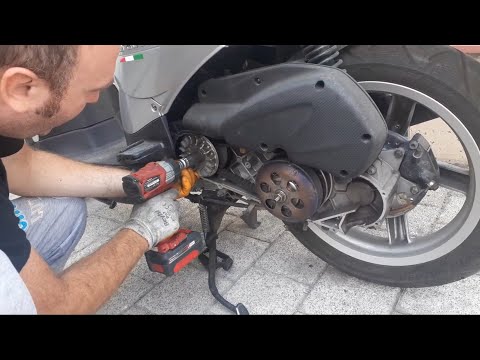
This guide will show you the procedure to dismantle and replace the variator and belt of the Aprilia Scarabeo 200i scooter. First, place your scooter…
Scarabeo 200ie
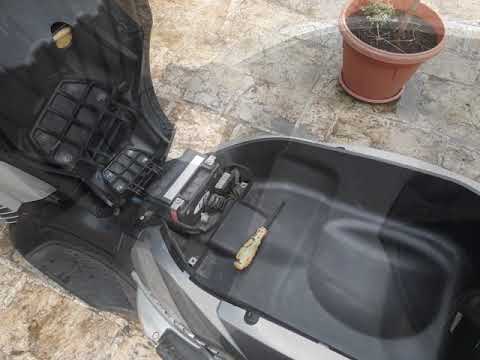
This video shows where the battery is located on the Aprilia Scarabeo 250ie scooter and how to proceed if you need to replace it. As shown, it is loc…
|
How to reset the Service light on a KTM Superduke 1290 R?
You can clear the Service light displayed on the instrument panel of the KTM Superduke 1290 R by turning on the ignition, inserting the key into the corresponding ignition switch: once the ignition is on, press the SET button on the left side of the handlebars and scroll through the menu that appears on the panel. Then, you can hold down the up and down arrow buttons together to access the "RESET SERVICE" screen: you can then change the kilometres to be travelled before the light is displayed again to make the light disappear. by ScegliAuto More videos
|
|
For advertising on this site Write to info@scegliauto.com
ScegliAuto is not responsible for any inaccuracy of the data in the lists. To report any inaccuracy or your business (if you own the business in question), please write to info@scegliauto.com
Number of seconds to generate the page: 0.005
(c) ScegliAuto 2026 - info@scegliauto.com - Privacy policy VAT number: IT01247470535 |
