
|
Do it yourself
| |||
| ||||


TPMS warning light reset on an Audi
Model: Audi Audi Various
In today's video, we will see how to reset the TPMS light of a latest generation Audi vehicle. First, we need to make sure that all four tires have the correct pressure as indicated by the manufacturer. Then, we start the vehicle's ignition and put it in parking mode. After that, we move to the central navigation display and press the "vehicle" button, then select "services and settings". Next, we continue by clicking on the option related to tire pressure monitoring and select "set pressure". Finally, we confirm the operation to complete the job.
Posted on 6 March 2025 by ScegliAuto
Video tutorial
Related tutorials
Audi Audi Various
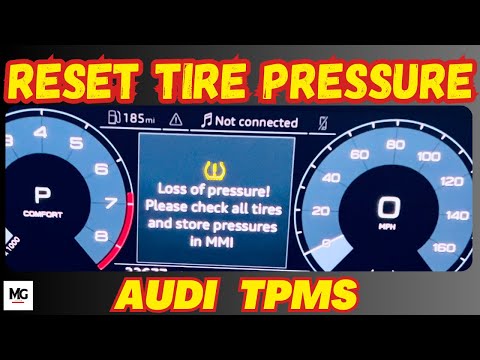
The TPMS warning light reset, related to tire pressure on an Audi car, follows simple and quick steps to be carried out independently. To perform the…
Audi Audi Various
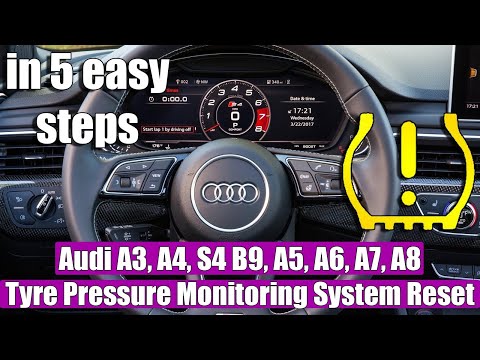
Today, learn how to reset the TPMS light on an Audi vehicle. Before resetting the light, adjust the tyre pressures according to the manufacturer's sp…
Audi Audi Various
If the TPMS light has illuminated on your Audi's dashboard, it means that a loss of pressure has been detected in one or more tyres. Once the pressur…
Other guides you may be interested in
|
Frequently Asked QuestionsHow to Check the Oil Level on a Jeep Renegade?
To check the oil level on a Jeep Renegade, you need to open the bonnet to access the components inside the engine bay: on the lower left side of the engine block, you will find the dipstick for checking the level. This should be pulled out and thoroughly cleaned with a cloth: once cleaned, reinsert it back into its tube and pull it out immediately after. This way, you can check that the oil mark is between the minimum and maximum levels; finally, you can place the dipstick back in its tube. by ScegliAuto More videos
|
|
For advertising on this site Write to info@scegliauto.com
ScegliAuto is not responsible for any inaccuracy of the data in the lists. To report any inaccuracy or your business (if you own the business in question), please write to info@scegliauto.com
Number of seconds to generate the page: 0.269
(c) ScegliAuto 2026 - info@scegliauto.com - Privacy policy VAT number: IT01247470535 |
