
|
Do it yourself
| |||
| ||||


How do you reset the SOS system in Audi?
Model: Audi Audi Various
Video tutorial
To reset the SOS system of Audi, you will first need to turn on the instrument panel by inserting the appropriate key into the ignition switch: once the panel has been activated, you can proceed by pressing the red button near the courtesy light. This will initiate an emergency call that must be immediately deactivated from the central display: by doing so, you will notice that the SOS system has been deactivated and the specific error message will disappear completely from the instrument panel.
Posted on 18 November 2025 by ScegliAuto
Related tutorials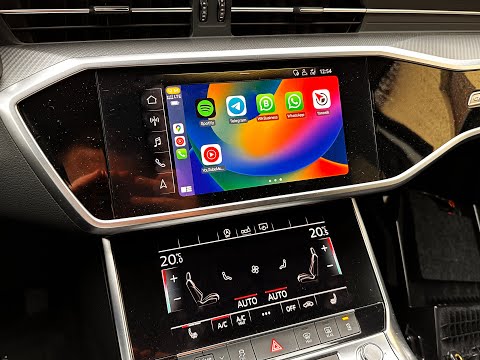
Audi Audi Various
To reset the MMI system of Audi, insert the ignition key to power on the instrument cluster. Once the cluster is on, locate the circular button on th…

Audi Audi Various
It will be possible to reset the MMI system installed on the Audi's on-board computer by first turning on the instrument panel: by pressing the NAV b…

Audi Audi Various
Depending on the model or year of construction, Audi vehicles can use these two systems: the indirect one that uses ABS/ESP sensors to measure the wh…
Other guides you may be interested in
|
How to Reset the Tyre Pressure Warning Light on the Jeep Renegade?
To reset the tyre pressure warning light on the Jeep Renegade, inflate the tyres until they reach the recommended pressure: this value is indicated on the sticker attached to the driver’s door pillar. Once the tyres are properly inflated, navigate through the menu that appears on the instrument cluster until you find the tyre pressure option. At this point, press and hold the OK button on the right side of the steering wheel to make the warning light disappear. by ScegliAuto More videos
|
|
For advertising on this site Write to info@scegliauto.com
ScegliAuto is not responsible for any inaccuracy of the data in the lists. To report any inaccuracy or your business (if you own the business in question), please write to info@scegliauto.com
Number of seconds to generate the page: 0.073
(c) ScegliAuto 2026 - info@scegliauto.com - Privacy policy VAT number: IT01247470535 |
