
|
Do it yourself
| |||
| ||||



Video tutorial
To start, press and hold the button on the back of the key fob for your Audi A6, then pull out the physical emergency key. After extracting the physical key, unclip and remove the back cover of the key fob. Once the back cover is removed, you will access the dead battery of the key. Proceed to remove the battery from the key fob. When you have removed the dead battery, you will have successfully completed the disassembly. To install the new battery and close the key fob, simply follow this procedure in reverse, and the replacement will be complete.
Updated on 12 May 2026 by ScegliAuto
Related tutorials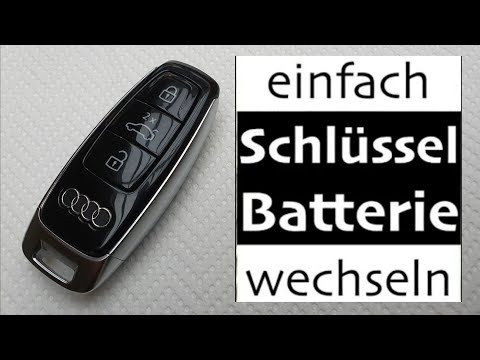
Audi A6
(2019-2026 /
)
In today's video, learn how to replace the key fob battery for the latest Audi A6 model. This video also applies to other Audi models, including A7, …
Audi A6
(2011-2018 /
C7, MK 4)
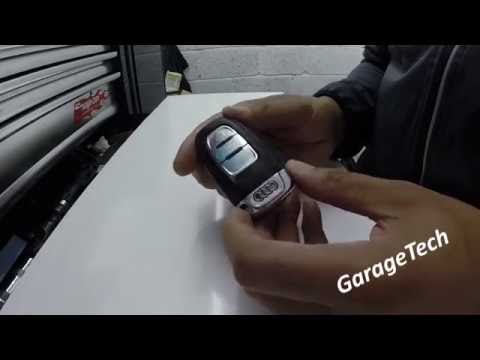
First, detach the physical key from the electronic key of your Audi A6 by pressing the release button located on the upper section. Start by extracti…

Audi A6
(2011-2018 /
C7, MK 4)
In this guide, discover how to replace the button battery inside the remote for your Audi A6 Mk4. First, ensure you have a new battery that is fully …
Other guides you may be interested in
|
How to Remove the Toll Tag Holder from the Car Windscreen
The toll tag holder is usually attached to the car windscreen to ensure that the toll tag functions immediately when passing through barriers. However, if you decide to remove the holder, you should follow this procedure: - Insert the toll tag into the holder; - Pull the holder inwards to detach it from the windscreen; you can use a glass scraper or a stiff plastic card to assist you; After removing the holder, it is essential to remove the adhesive from the windscreen. To remove the adhesive, we recommend using a solvent-based spray that will remove the glue without clouding the area. by ScegliAuto More videos
|
|
For advertising on this site Write to info@scegliauto.com
ScegliAuto is not responsible for any inaccuracy of the data in the lists. To report any inaccuracy or your business (if you own the business in question), please write to info@scegliauto.com
Number of seconds to generate the page: 0.109
(c) ScegliAuto 2026 - info@scegliauto.com - Privacy policy VAT number: IT01247470535 |
