
|
Do it yourself
| |||
| ||||


How to reset the oil light on the Audi A4
Model: Audi A4
B9
- Years 2014-2024
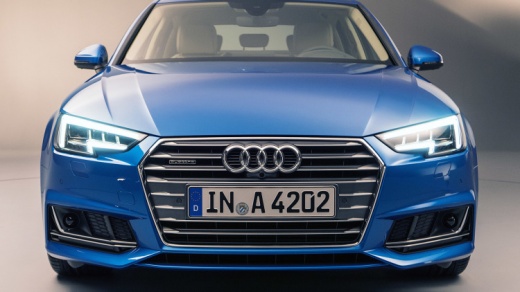
If you have just changed the engine oil in your Audi A4 and you continue to notice the relevant warning light coming on, you simply need to perform a manual reset to solve the problem. Below we will find out what the necessary steps are. First start the car dashboard. Then press the "Menu" button located under the gear lever and select the "Car" item. Then enter "Individual" and select the "Servicing and checks" option. At this point all that remains is to select "Service Intervals" and confirm the desire to perform the reset. A few moments later the procedure is completed.
Posted on 21 October 2022 by ScegliAuto
Video tutorial
Related tutorials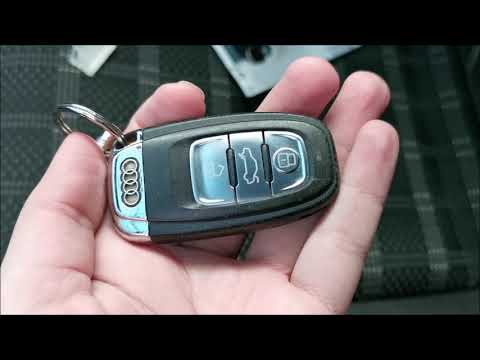
Audi A4
(2007-2016 /
B8)
Let's see in this short video how to remove and replace the key remote control battery on the Audi A4 B8, but also on the A5 Sportback and A6 in simp…
Audi A4
(2000-2004 /
B6)
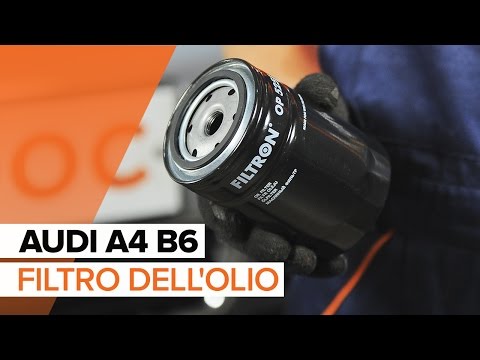
Follow these steps to replace the oil filter on an Audi A4: Lift the car on a column lift and remove the oil pan bolt. Allow the oil to drain into a …
Audi A4
(2004-2008 /
B7)
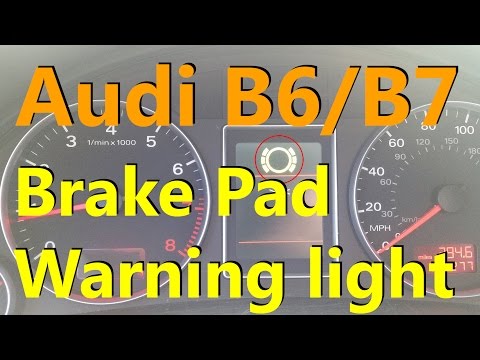
In today's video tutorial we will see a solution on how to reset the brake pad wear warning light on an Audi A4 B7; before carrying out the operation…
Other guides you may be interested in
|
How to Remove the Steering Wheel Airbag on a Dodge Journey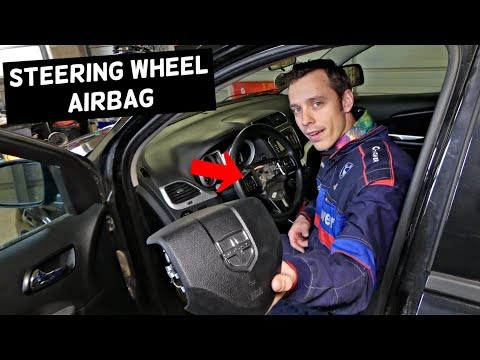
How to remove the steering wheel airbag on a Dodge Journey? Follow these steps. Before removing the steering wheel, disconnect the battery terminals located in the engine bay. Remove the inspection caps from the back of the steering wheel, then unscrew the airbag retaining bolts with a socket wrench. Once the driver’s airbag is released, disconnect the power connectors and remove the airbag from the steering wheel. For reinstallation: connect the power connectors, then press the airbag back onto the steering wheel while simultaneously tightening the rear bolts. by ScegliAuto More videos
|
|
For advertising on this site Write to info@scegliauto.com
ScegliAuto is not responsible for any inaccuracy of the data in the lists. To report any inaccuracy or your business (if you own the business in question), please write to info@scegliauto.com
Number of seconds to generate the page: 0.079
(c) ScegliAuto 2026 - info@scegliauto.com - Privacy policy VAT number: IT01247470535 |
