
|
Do it yourself
| |||
| ||||


How to reset the Audi A5 Cabrio service
Model: Audi A5
8T8, 8T3, 8T, 8F
- Years 2007-2016
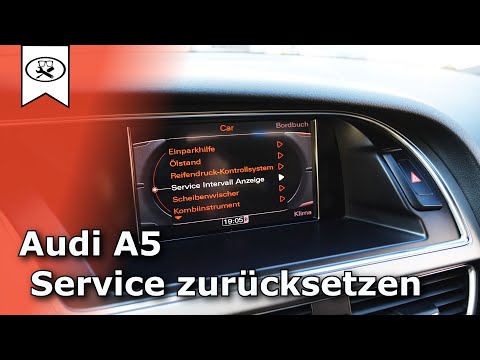
To reset the Audi A5 service start by turning on the instrument panel, using the wheel on the central tunnel, go to "car"; press the wheel to confirm; on this screen we find the driving styles of the car, press the button to the left of the wheel (with 3 horizontal lines); turning the wheel we go to "service & control"; press the wheel to confirm; by turning the wheel we go to "service intervals"; press the wheel to confirm; by turning the wheel we go to "reset oil change interval"; press the wheel to confirm; turning the wheel we go to "yes"; press the wheel to confirm and the service is reset. Now we can go back using the "back" button on the wheel to return to the main menu and turn off the instrument cluster.
Posted on 20 January 2023 by ScegliAuto
Video tutorial
Related tutorials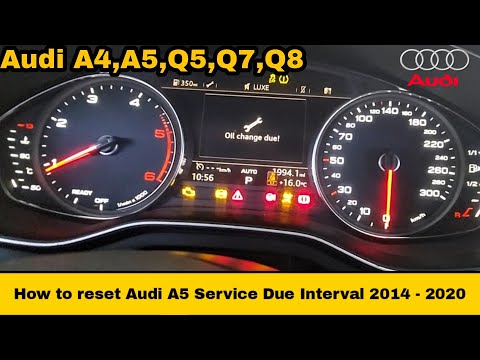
Audi A5
(2007-2016 /
8T8, 8T3, 8T, 8F)
The service light reset on an Audi A5 vehicle follows the same procedure used for other Audi models, as this is one of the things that these types of…
Audi A5
(2007-2016 /
8T8, 8T3, 8T, 8F)
In this guide, we will briefly see the instructions that will allow us to reset the service maintenance light for the regular oil change of the Audi …

Audi A5
(2018-2025 /
8W6)
To reset the Service light on the Audi A5, you need to turn on the instrument cluster by turning the key in the ignition. Once the cluster is on, nav…
Other guides you may be interested in
|
How to Remove the Heating Radiator on a Fiat Panda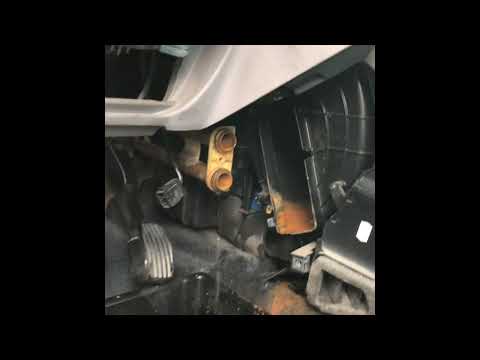
Watch this video to learn how to remove the heating radiator from a Fiat Panda. First, remove the plastic cover from the centre tunnel (located under the centre tunnel) and the cover around the gearbox. Unscrew the securing screws with a screwdriver as shown in the video and remove the black plastic cover that conceals the heating radiator. Once all the steps are completed, move to the engine bay: remove the plastic engine cover and disconnect the two hoses (unscrew the securing clips) of the radiator that extends into the cabin. Install the new part. Reverse all the assembly steps. by ScegliAuto More videos
|

|
For advertising on this site Write to info@scegliauto.com
ScegliAuto is not responsible for any inaccuracy of the data in the lists. To report any inaccuracy or your business (if you own the business in question), please write to info@scegliauto.com
Number of seconds to generate the page: 0.055
(c) ScegliAuto 2026 - info@scegliauto.com - Privacy policy VAT number: IT01247470535 |
