
|
Do it yourself
| |||
| ||||


Front Bumper Installation Instructions
Model: Audi Tt
MK 1, 8N
- Years:
1998, 1999, 2000, 2001, 2002, 2003, 2004, 2005, 2006
Video tutorial
Removing the front bumper is quite simple, but to facilitate the process, lift the vehicle on appropriate automotive jack stands to make it easier to maneuver and access the wheel wells. Open the hood and remove both the push pins and the screws that secure the upper part of the bumper to the grille. Next, move to the screws along the lower edge of the bumper, then remove those inside the wheel wells and move them aside to access the last screws that secure the bumper to the fenders. Complete the removal by pulling the bumper forward and disconnecting the headlight washer system tube.
Updated on 19 February 2026 by ScegliAuto
Related tutorials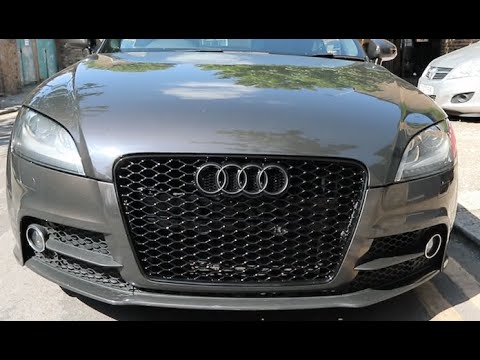
Audi Tt
(2006-2014 /
8J, MK 2)
Today's brief instructions will show you how to remove and replace the front bumper grille of the Audi TT by following these simple steps. First, ope…
Audi Tt
(1998-2006 /
MK 1, 8N)
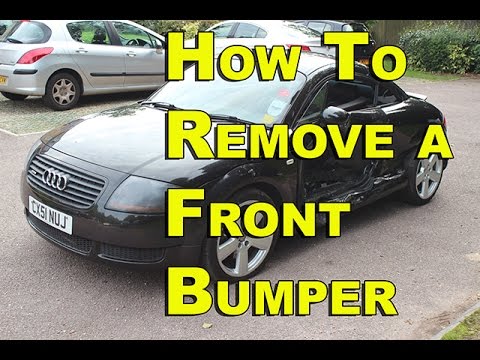
To facilitate the removal of the front bumper, lift the vehicle on a lift or on appropriate jack stands; after lifting, remove the front wheels (you …
Audi Tt
(1998-2006 /
MK 1, 8N)
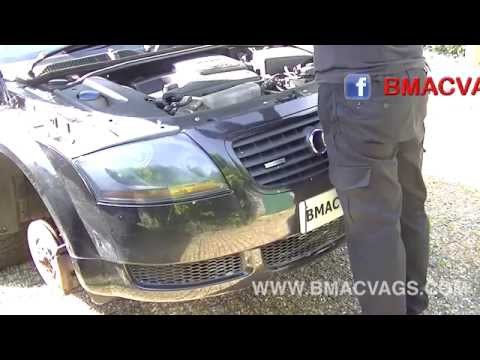
Removing the so-called front structure, which serves as the support for the headlights and radiator, is very simple: it involves patiently removing t…
Other guides you may be interested in
|
How to Remove the Toll Tag Holder from the Car Windscreen
The toll tag holder is usually attached to the car windscreen to ensure that the toll tag functions immediately when passing through barriers. However, if you decide to remove the holder, you should follow this procedure: - Insert the toll tag into the holder; - Pull the holder inwards to detach it from the windscreen; you can use a glass scraper or a stiff plastic card to assist you; After removing the holder, it is essential to remove the adhesive from the windscreen. To remove the adhesive, we recommend using a solvent-based spray that will remove the glue without clouding the area. by ScegliAuto More videos
|
|
For advertising on this site Write to info@scegliauto.com
ScegliAuto is not responsible for any inaccuracy of the data in the lists. To report any inaccuracy or your business (if you own the business in question), please write to info@scegliauto.com
Number of seconds to generate the page: 0.046
(c) ScegliAuto 2026 - info@scegliauto.com - Privacy policy VAT number: IT01247470535 |
