
|
Do it yourself
| |||
| ||||


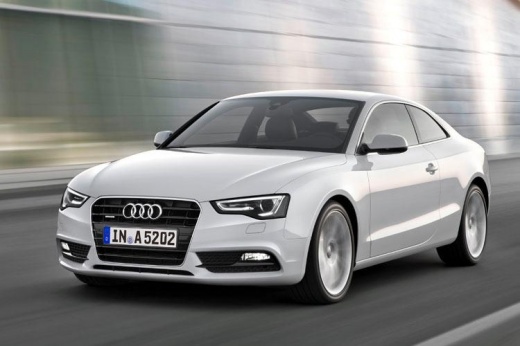
How to Change the Language of the Onboard Computer on an Audi A5?
Model: Audi A5
8T8, 8T, 8T3, 8F
- Years:
2007, 2008, 2009, 2010, 2011, 2012, 2013, 2014, 2015, 2016
Video tutorial
To change the language of the onboard computer on an Audi A5, turn on the instrument cluster and press the SETUP button on the centre console. This will access the menu, where you can navigate using the arrows on the console. Select "Menu language" and scroll to choose the desired language from the list. Once selected, return to the main screen and verify that the change has been applied correctly.
Updated on 17 October 2026 by ScegliAuto
Related tutorials
Audi A5
(2007-2016 /
8T8, 8T, 8T3, 8F)
Today we will explain how to set the clock on the dashboard of an Audi A5 car. Turn on the onboard computer screen and press the menu button to displ…

Audi A5
(2007-2016 /
8T8, 8T, 8T3, 8F)
This brief guide will provide the main instructions on how to reset the service light for the regular maintenance oil change on the Audi A5. First, g…

Audi A5
(2018-2025 /
8W6)
The steps to reset the service light of the 2019 Audi A5 are as follows: The first step is to turn on the instrument panel and the onboard computer. …
Other guides you may be interested in
|
Where are the fuses located on the Renault Laguna?
On the Renault Laguna, the fuses are located inside the fuse boxes installed in the vehicle: in this car model, you will find two boxes for containing the fuses. The first is in the fuse box on the left side of the dashboard, accessible by opening the driver's door: here you will find the fuses for the windscreen wipers, fog lights, horn, etc. The second box is located on the right side of the engine compartment: here you will find the fuses for the dipped headlights, radiator fan, alternator, etc. by ScegliAuto More videos
|
|
For advertising on this site Write to info@scegliauto.com
ScegliAuto is not responsible for any inaccuracy of the data in the lists. To report any inaccuracy or your business (if you own the business in question), please write to info@scegliauto.com
Number of seconds to generate the page: 0.031
(c) ScegliAuto 2026 - info@scegliauto.com - Privacy policy VAT number: IT01247470535 |
