
|
Do it yourself
| |||
| ||||


Model: Bmw S1000 Xr
In this tutorial, you will see how to reset the service light on a BMW S1000 XR, a very simple and quick operation. Before proceeding, ensure that you have completed all required scheduled maintenance tasks and obtain the device shown in the video, which can be easily found online. Start by connecting this device to the OBD port located in the battery compartment, then interface it with the appropriate application installed on your smartphone. Next, select the motorcycle model from the list, go to "Instrument cluster", then "Service reset", and proceed with the reset.
Updated on 13 September 2026 by ScegliAuto
Video tutorial
Related tutorials
S1000 Xr
It will be possible to reset the Service light of the BMW S1000 XR by connecting a diagnostic tool to the OBD port of the vehicle: this port will be …
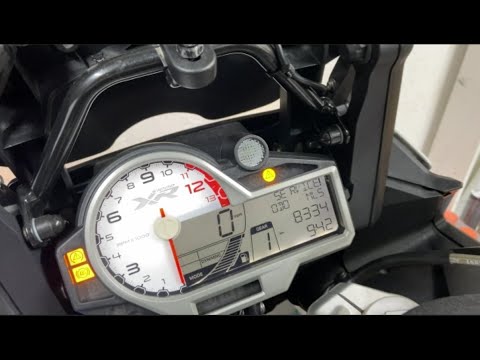
S1000 Xr
To reset the Service light on the BMW S1000 XR, connect a diagnostic tool to the vehicle's OBD port: this port is located underneath the seat of the …
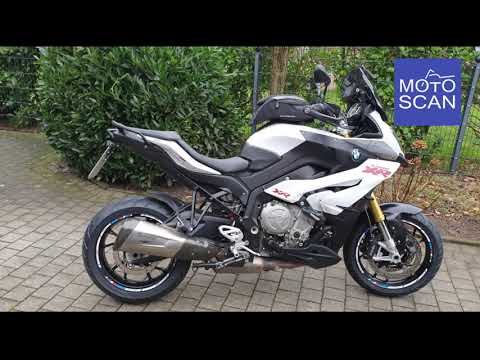
S1000 Xr
To reset the service light on the BMW S1000 XR, lift the seat by unscrewing its bolts and completely removing it from its housing. Once the seat is d…
|
How to replace the headlight bulbs on a Suzuki GSXR 600?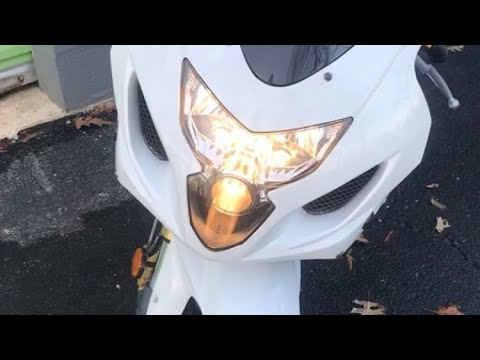
In this tutorial, you will see how to replace the headlight bulbs on a Suzuki GSXR 600, an extremely simple and quick operation. First, ensure that the key is not inserted, then unscrew the two indicated screws and separate the dashboard from the support. Next, disconnect the power connectors of the bulbs, remove the rubber caps, and unclip the metal clips to extract the bulbs from their respective housings. At this point, you can insert the replacements, avoiding touching the glass directly with your bare hands, and follow the reverse procedure. by ScegliAuto More videos
|
|
For advertising on this site Write to info@scegliauto.com
ScegliAuto is not responsible for any inaccuracy of the data in the lists. To report any inaccuracy or your business (if you own the business in question), please write to info@scegliauto.com
Number of seconds to generate the page: 0.293
(c) ScegliAuto 2026 - info@scegliauto.com - Privacy policy VAT number: IT01247470535 |
