
|
Do it yourself
| |||
| ||||


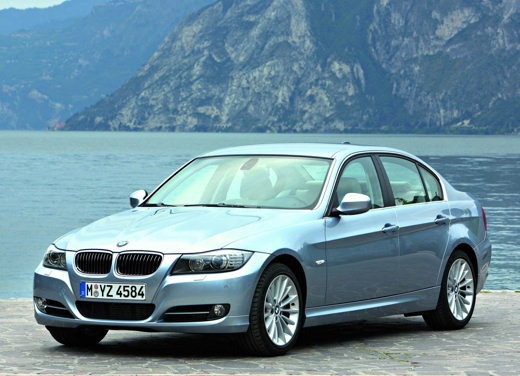
How do you remove the fan from the heating system in the BMW 3 Series e90?
Model: BMW Serie 3
E92, E90, E91
- Years:
2005, 2006, 2007, 2008, 2009, 2010, 2011, 2012, 2013
Video tutorial
The classic way to realize that the fan of the heating system of your car is not working is shown in the video available here, in fact, by activating the command on the dashboard it does not turn on. Unless the fuse is burned out, the only thing left to do is to remove, indeed, the fan, so let's get to work: Under the glove compartment, the lining panel must be removed, as shown in the aforementioned video, then, taking care not to damage the cables present, unscrew the pins that secure the fan, remove it and disconnect the connector that powers it.
Posted on 2 February 2025 by ScegliAuto
Related tutorials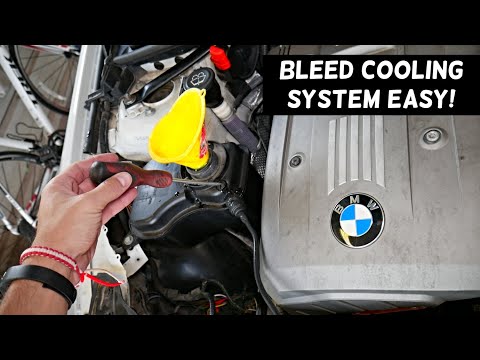
BMW Serie 3
(2005-2013 /
E92, E90, E91)
In this video tutorial, you will learn how to bleed and replace the coolant or antifreeze on the BMW 3 Series E90 by following these simple steps. Fi…
BMW Serie 3
(2005-2013 /
E92, E90, E91)
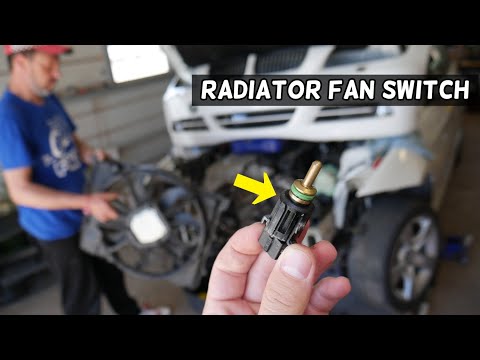
Today, locate the switch connected to the radiator fan on the BMW 3 Series E90. To access it, you will have a lengthy task, as you must first disasse…
BMW Serie 3
(2005-2013 /
E92, E90, E91)
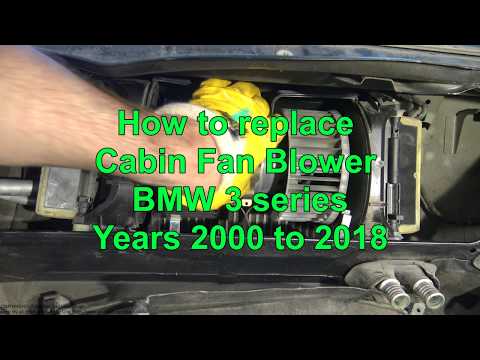
Replacing the A/C fan on a BMW 3 Series? Open the hood and start removing the plastic cover under the windshield. Use a screwdriver to remove the scr…
Other guides you may be interested in
|
How to Reset the Tyre Pressure Warning Light on the Jeep Renegade?
To reset the tyre pressure warning light on the Jeep Renegade, inflate the tyres until they reach the recommended pressure: this value is indicated on the sticker attached to the driver’s door pillar. Once the tyres are properly inflated, navigate through the menu that appears on the instrument cluster until you find the tyre pressure option. At this point, press and hold the OK button on the right side of the steering wheel to make the warning light disappear. by ScegliAuto More videos
|
|
For advertising on this site Write to info@scegliauto.com
ScegliAuto is not responsible for any inaccuracy of the data in the lists. To report any inaccuracy or your business (if you own the business in question), please write to info@scegliauto.com
Number of seconds to generate the page: 0.022
(c) ScegliAuto 2026 - info@scegliauto.com - Privacy policy VAT number: IT01247470535 |
