
|
Do it yourself
| |||
| ||||


Service reset on a BMW 1 Series
Model: BMW Serie 1
F70
- Years 2024-2026
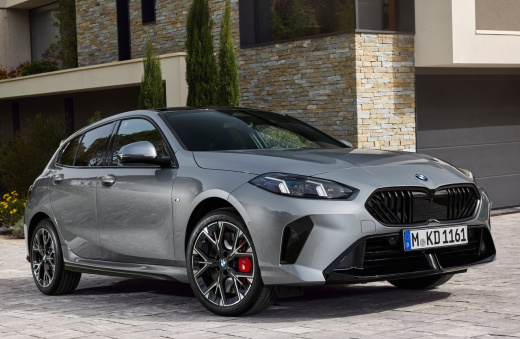
In this tutorial we can see how to perform the service reset on a BMW 1 Series, the latest generation model produced from 2024 onwards. So, let's start the operation by pressing the vehicle's power button three times to enter diagnostic mode, then press the BC button located on the left side of the steering wheel for about 15 seconds, until the service menu opens. Once this is done, release the BC button and continue pressing it to scroll through the various menu options until you reach the service interval option, then keep holding down the BC button until the reset request appears, now release the button and press it again to confirm the reset and complete the job.
Posted on 21 September 2025 by ScegliAuto
Video tutorial
Related tutorials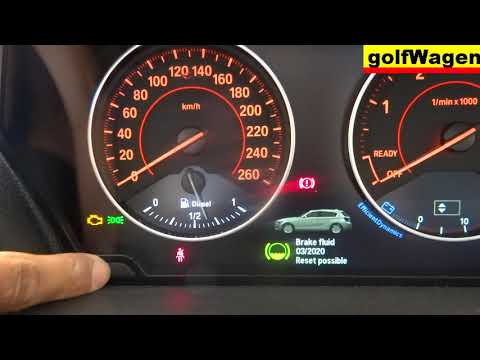
BMW Serie 1
(2004-2013 /
E87, E82, E81, MK 1)
Before we can start, we will have to make sure that the service has actually been carried out, and then go and sit on the driver's seat of our BMW 1 …
BMW Serie 1
(2004-2013 /
E87, E82, E81, MK 1)
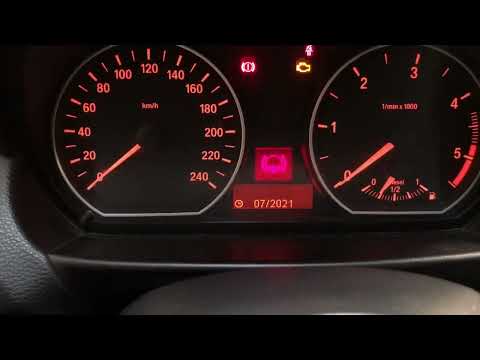
This video shows how to perform the brake fluid warning light reset procedure on the BMW 1 Series. This procedure is necessary after changing the oil…
BMW Serie 1
(2004-2013 /
E87, E82, E81, MK 1)
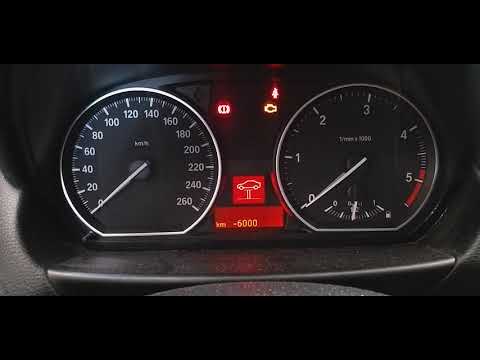
To be able to reset the BMW 1 Series service warning light, you have to switch on the instrument panel and let all error messages disappear. When you…
Other guides you may be interested in
|
How to Remove the Bonnet on a Smart Fortwo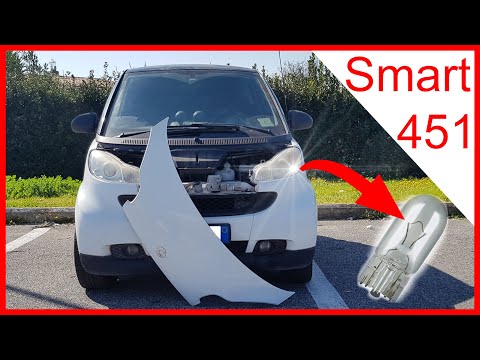
To open the front bumper of the Smart Fortwo for bulb maintenance, follow these steps: open the plastic levers located at the sides of the front grille with your hands. Once the front plastic is free, lift it upwards with your hands, then remove it from the bodywork as shown in the video. After removing the mentioned piece, replace the damaged bulbs. To reassemble, secure the plastic cover at the front of the car and then at the bottom. Finally, close the bonnet release levers with your hands. by ScegliAuto More videos
|
|
For advertising on this site Write to info@scegliauto.com
ScegliAuto is not responsible for any inaccuracy of the data in the lists. To report any inaccuracy or your business (if you own the business in question), please write to info@scegliauto.com
Number of seconds to generate the page: 0.068
(c) ScegliAuto 2026 - info@scegliauto.com - Privacy policy VAT number: IT01247470535 |
