
|
Do it yourself
| |||
| ||||


How to Reset the Brake Fluid Warning Light on a BMW 1 Series
Model: BMW Serie 1
E81, E82, MK 1, E87
- Years 2004-2013
This video shows how to reset the brake fluid warning light on a BMW 1 Series. This procedure is necessary after an oil change, as the message remains in the control unit. To reset, first turn on the instrument cluster, then press the reset button on the cluster until you find the brake service light. Once located, press and hold the BC button on the left stalk until the reset option appears. Release the button, then press and hold it again until the reset message with a clock icon appears. At this point, you can release the button, and the reset will occur automatically. After resetting, restart the instrument cluster to verify the procedure was successful.
Updated on 8 August 2026 by ScegliAuto
Video tutorial
Related tutorials
BMW Serie 1
(2024-2026 /
F70)
Today we will explain how to reset the service light and error code for the brake pads of the BMW 1 Series model F 70 from 2024. To eliminate the mes…

BMW Serie 1
(2019-2026 /
MK 3, F40)
Today we will explain how to reset the brake pad warning light on a 2020 BMW 1 Series car. Press the start/stop button three times and immediately af…
BMW Serie 1
(2004-2013 /
E81, E82, MK 1, E87)
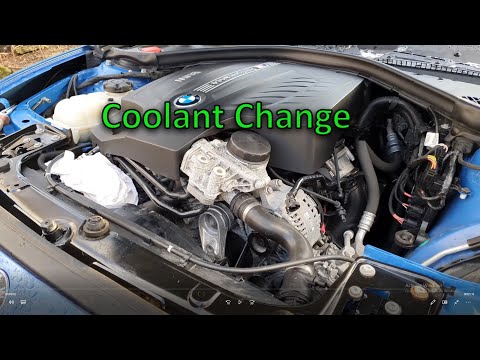
This guide outlines the steps to bleed and replace the coolant in a BMW 1 Series. First, lift the vehicle and disconnect the coolant hose by loosenin…
Other guides you may be interested in
|
Frequently Asked QuestionsHow to Open the Fuel Filler Cap of the 2020 Hyundai Tucson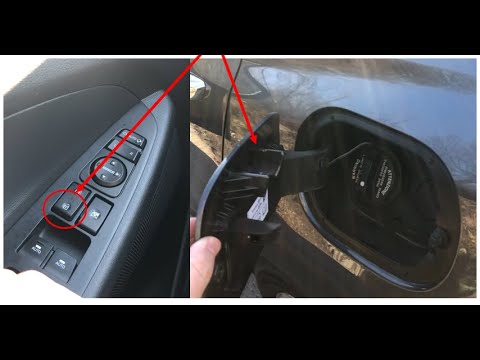
The 2020 Hyundai Tucson has two methods for opening the fuel filler flap. Both methods can only be used if the key has been removed from the ignition and the engine is off. The first method involves removing the key from the ignition and keeping all the car locks open, then go to the flap and press it. This will open the flap. The second method is to stay in the car, remove the key from the ignition, and then press the fuel filler release button located on the left door. by ScegliAuto More videos
|
|
For advertising on this site Write to info@scegliauto.com
ScegliAuto is not responsible for any inaccuracy of the data in the lists. To report any inaccuracy or your business (if you own the business in question), please write to info@scegliauto.com
Number of seconds to generate the page: 0.006
(c) ScegliAuto 2026 - info@scegliauto.com - Privacy policy VAT number: IT01247470535 |
