
|
Do it yourself
| |||
| ||||


How to Reset the Service in the BMW 1 Series?
Model: BMW Serie 1
F20, MK 2, F21
- Years 2011-2019
In this tutorial, we can see how to reset the service in the BMW 1 Series, an extremely simple and quick operation to be carried out only after completing all scheduled maintenance work. First, go inside the cabin, then insert the key and turn on the ignition. Next, press and hold the button located on the left side of the dashboard until the maintenance menu appears, scroll through the various available services and, once you reach the one to reset, perform the reset by holding the same button for two consecutive times.
Posted on 15 February 2026 by ScegliAuto
Video tutorial
Related tutorials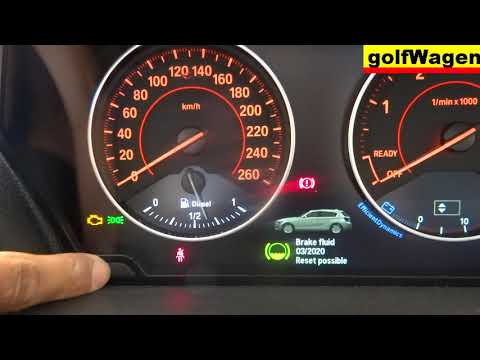
BMW Serie 1
(2004-2013 /
E82, E81, E87, MK 1)
Before we can start, we will have to make sure that the service has actually been carried out, and then go and sit on the driver's seat of our BMW 1 …
BMW Serie 1
(2011-2019 /
F20, MK 2, F21)
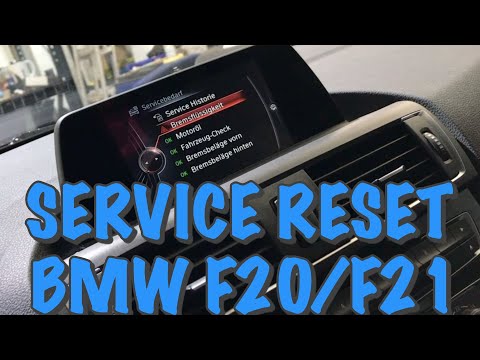
In today's video you can find out how to reset the service of the BMW 1 Series F20. This procedure also applies to other contemporary models of the B…

BMW Serie 1
(2004-2013 /
E82, E81, E87, MK 1)
In this tutorial we can see how to reset the brake service in the BMW 1 Series, an extremely simple and quick operation, to be carried out only once …
Other guides you may be interested in
|
How to Replace the Front Headlamp Bulbs on a Mazda 3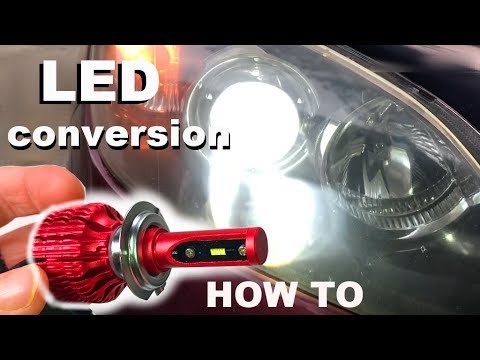
Learn how to replace the front headlamp bulbs on a Mazda 3 with LED bulbs: open the bonnet (pull the lever located at the bottom right of the dashboard), and secure it with the prop rod. Locate the inspection cap of the headlamp (located at the rear of the headlamp) and remove it. At this point, you will find the bulbs with metal clips; pull the bulb holders out of the headlamp and extract the bulbs using a screwdriver. Install the new LED bulbs (ensuring the type and size are correct) and insert the bulb holder back into the headlamp housing. Refit all previously removed parts. by ScegliAuto More videos
|
|
For advertising on this site Write to info@scegliauto.com
ScegliAuto is not responsible for any inaccuracy of the data in the lists. To report any inaccuracy or your business (if you own the business in question), please write to info@scegliauto.com
Number of seconds to generate the page: 0.139
(c) ScegliAuto 2026 - info@scegliauto.com - Privacy policy VAT number: IT01247470535 |
