
|
Do it yourself
| |||
| ||||



How to Replace the Key Fob Battery on a BMW 1 Series
Model: BMW Serie 1
E81, E82, MK 1, E87
- Years:
2004, 2005, 2006, 2007, 2008, 2009, 2010, 2011, 2012, 2013
Video tutorial
To replace the battery in the key fob of a BMW 1 Series, press the release button to extract the emergency key, then insert it into the designated slot on the fob shell and gently pry to separate the two halves of the casing. Once the fob is open, locate the button cell battery and remove it with the help of a small plastic tool. Insert the new battery of the same model, ensuring correct polarity, then close the shell by applying slight pressure until the clips are fully engaged. Finally, reinsert the emergency key into its slot and check that the fob buttons function correctly.
Posted on 28 June 2026 by ScegliAuto
Related tutorials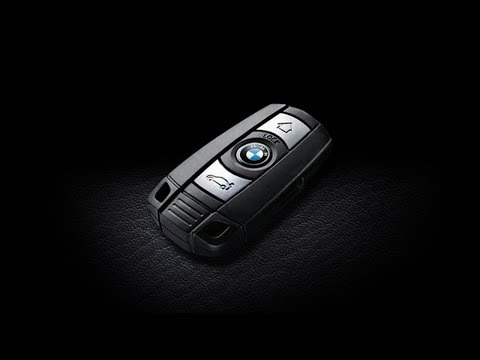
BMW Serie 1
(2004-2013 /
E81, E82, MK 1, E87)
How to replace the battery of the key fob for your BMW 1 Series? Take your key fob and extract the metal key (located inside); once the metal key is …
BMW Serie 1
(2011-2019 /
F21, MK 2, F20)
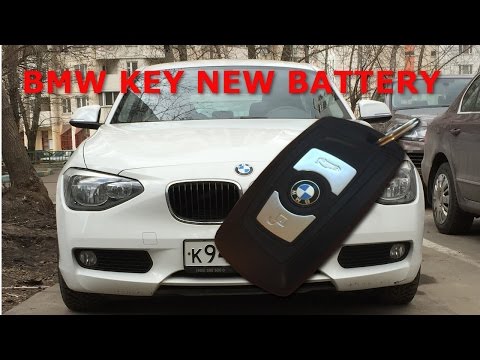
This guide shows how to replace the battery in the remote for the BMW 1 Series F20. To replace the battery, the first step is to extract the physical…

BMW Serie 1
(2011-2019 /
F21, MK 2, F20)
In this short video tutorial, you will see how to replace the old battery in the remote of a BMW 1 Series from 2011 to 2019. To start, extract the re…
Other guides you may be interested in
|
How to open the bonnet of a Peugeot 308
To open the bonnet of a Peugeot 308, first enter the vehicle and pull the lever located on the left side of the driver's footwell, next to the door. You should hear a slight "click" indicating the bonnet has released. Then, move to the front of the vehicle. On the left side of the front edge, near the letter "p" in the Peugeot logo, you will find a ring that you need to pull towards you. This will open the bonnet, allowing you to lift it up and secure it with the safety prop. by ScegliAuto More videos
|
|
For advertising on this site Write to info@scegliauto.com
ScegliAuto is not responsible for any inaccuracy of the data in the lists. To report any inaccuracy or your business (if you own the business in question), please write to info@scegliauto.com
Number of seconds to generate the page: 0.108
(c) ScegliAuto 2026 - info@scegliauto.com - Privacy policy VAT number: IT01247470535 |
