
|
Do it yourself
| |||
| ||||


How to Replace the Oxygen Sensor on a BMW 1 Series
Model: BMW X1
E84
- Years 2009-2015
Replacing the oxygen sensor (or lambda sensor) on a BMW X1 with an N20 engine requires some patience. The sensor is located under the hood, on the passenger side. To access it, remove the engine cover, hoses, and clamps. Unscrew the 8 mm bolts of the cabin filter and remove the plastic cover. The sensor is attached to the exhaust manifold. Disconnect the electrical connector (by pressing the latch) and, using an oxygen sensor socket and an extension, unscrew the sensor. Use penetrating oil if it is stuck. Screw in the new sensor, reconnect the connector, and secure the wiring. Reinstall all covers and the air filter. Clear the error code (e.g., P2D0D) with an OBD scanner. The replacement is complete.
Posted on 20 July 2026 by ScegliAuto
Video tutorial
Related tutorials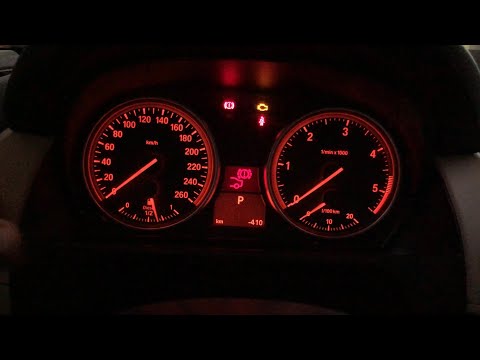
BMW X1
(2009-2015 /
E84)
In this video, you will learn how to reset the brake light that turns on when the brakes are worn and need to be replaced on a BMW X1 E84 (first gene…
BMW X1
(2009-2015 /
E84)
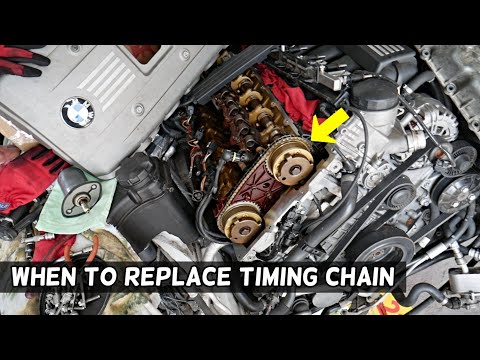
In this brief guide, you will find some important instructions regarding the replacement of the timing chain on various BMW models, such as the X1, X…
BMW X1
(2009-2015 /
E84)
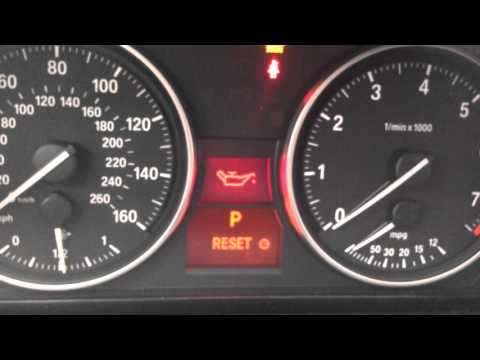
In this tutorial, you will see how to reset the oil change light on a BMW 1 Series, a very simple operation to perform only after completing all sche…
Other guides you may be interested in
|
How to Check the Oil Level on a Jeep Renegade?
To check the oil level on a Jeep Renegade, you need to open the bonnet to access the components inside the engine bay: on the lower left side of the engine block, you will find the dipstick for checking the level. This should be pulled out and thoroughly cleaned with a cloth: once cleaned, reinsert it back into its tube and pull it out immediately after. This way, you can check that the oil mark is between the minimum and maximum levels; finally, you can place the dipstick back in its tube. by ScegliAuto More videos
|

|
For advertising on this site Write to info@scegliauto.com
ScegliAuto is not responsible for any inaccuracy of the data in the lists. To report any inaccuracy or your business (if you own the business in question), please write to info@scegliauto.com
Number of seconds to generate the page: 0.091
(c) ScegliAuto 2026 - info@scegliauto.com - Privacy policy VAT number: IT01247470535 |
