
|
Do it yourself
| |||
| ||||


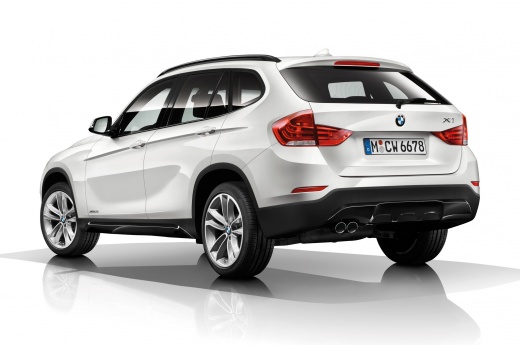
How to Reset the Service Light on a 2019 BMW X1?
Model: BMW X1
- Years:
2015, 2016, 2017, 2018, 2019, 2020, 2021, 2022
Video tutorial
The service light on the BMW X1 can be reset using the manual procedure described here and shown in the video. First, insert the key into its slot and start the instrument cluster by pressing the START button once. Once the messages displayed on the screen disappear, press and hold the reset button located on the left side of the dashboard for about 10 seconds, and release it when the service menu appears. Then, press it repeatedly to scroll through the various options, stopping on the one you want to reset. Here, press and hold the button again for a few seconds, and when the display asks for confirmation, release it and press it briefly again.
Posted on 14 October 2026 by ScegliAuto
Related tutorials
BMW X1
(2015-2022 /
F48)
Resetting the service light on a 2020 BMW X1 should not be a problem. To demonstrate this, we have included the video attached. You must perform the …

BMW X1
(2015-2022 /
F48)
To reset the service light on a BMW X1, get in the vehicle and turn on the instrument cluster by pressing the Start button without starting the engin…

BMW X1
(2015-2022 /
F48)
Reset the service light on the BMW X1 F48 without tools. Turn on the ignition (without pressing the brake to avoid starting the engine). Press and ho…
Other guides you may be interested in
|
How to Change the Time on the Peugeot 208
Today's guide will show you how to set the clock on the Peugeot 208's onboard computer, following the instructions below. First, get in the car and turn on the instrument panel; then press and hold the settings button on the panel for a few seconds until the time starts to flash, as shown in the video. At this point, press the left button to correctly set the time, adjusting the hour first and then the minutes; exit the onboard computer menu to save all the changes made! by ScegliAuto More videos
|
|
For advertising on this site Write to info@scegliauto.com
ScegliAuto is not responsible for any inaccuracy of the data in the lists. To report any inaccuracy or your business (if you own the business in question), please write to info@scegliauto.com
Number of seconds to generate the page: 0.083
(c) ScegliAuto 2026 - info@scegliauto.com - Privacy policy VAT number: IT01247470535 |
