
|
Do it yourself
| |||
| ||||


Video tutorial
Press the rectangular button located on the back of the remote, and by doing so, pull out the manual key from the housing. Use a small flathead screwdriver to pry in the space that connects the remote to the cover and remove the cover. At this point, you can use the small flathead screwdriver again and this time pry underneath the CR2450 battery. Insert the new battery you purchased (available at a hardware store or large supermarket) and close the remote by reattaching the cover and reinserting the manual key.
Updated on 3 April 2026 by ScegliAuto
Related tutorials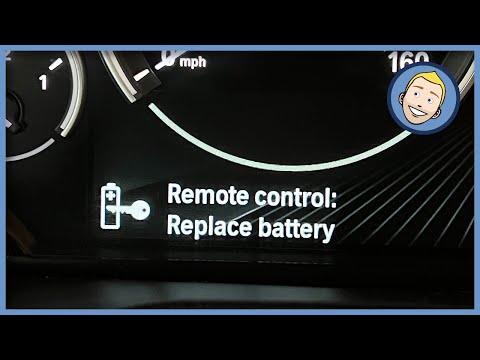
BMW X3
(2010-2017 /
MK 2, F25)
Follow these step-by-step instructions to disassemble and replace the battery in the key fob for the BMW X3. First, take your key fob and remove the …

BMW X3
(2024-2026 /
G45)
If you own the new 2025 BMW X3 and want to learn how to replace the battery inside the key fob, just read this guide and follow the described steps. …
BMW X3
(2010-2017 /
MK 2, F25)
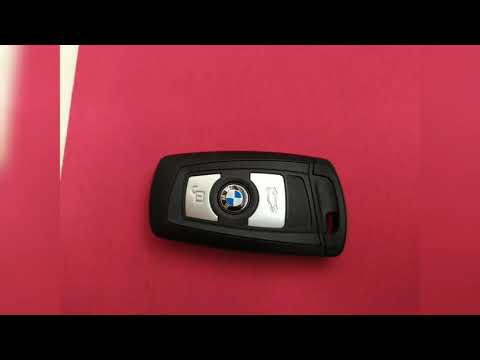
Let's discover in this short and simple guide how to disassemble and replace the battery of the remote key on the BMW X3 F25, as well as on the X5 an…
Other guides you may be interested in
|
How to Reset the Tyre Pressure Warning Light on the Jeep Renegade?
To reset the tyre pressure warning light on the Jeep Renegade, inflate the tyres until they reach the recommended pressure: this value is indicated on the sticker attached to the driver’s door pillar. Once the tyres are properly inflated, navigate through the menu that appears on the instrument cluster until you find the tyre pressure option. At this point, press and hold the OK button on the right side of the steering wheel to make the warning light disappear. by ScegliAuto More videos
|
|
For advertising on this site Write to info@scegliauto.com
ScegliAuto is not responsible for any inaccuracy of the data in the lists. To report any inaccuracy or your business (if you own the business in question), please write to info@scegliauto.com
Number of seconds to generate the page: 0.143
(c) ScegliAuto 2026 - info@scegliauto.com - Privacy policy VAT number: IT01247470535 |
