
|
Do it yourself
| |||
| ||||


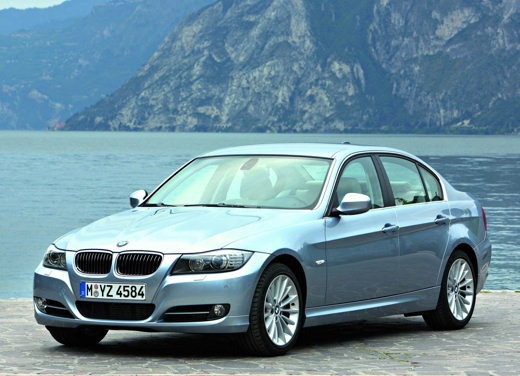
How to Set the Time on a BMW 1 Series
Model: BMW Serie 3
E91, E90, E92
- Years 2005-2013
Follow the instructions below to set and modify the time on this vehicle. The accompanying video provides additional guidance. Locate the dial on the left multifunction lever that allows you to scroll through the various functions of the onboard computer menu. Select the "set time" option, then press the button marked BC at the end of the lever to modify the hour first. Once the hour is set, press it again to adjust the minutes. Exit the onboard computer menu, and the clock will be updated.
Updated on 23 May 2026 by ScegliAuto
Video tutorial
Related tutorials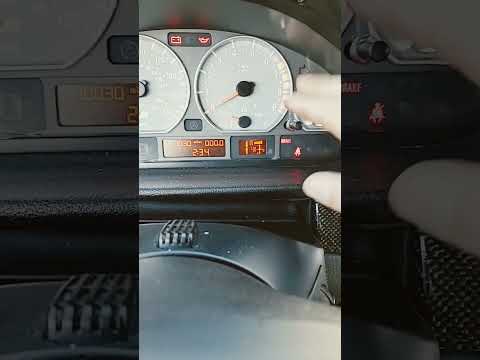
BMW Serie 3
(1998-2006 /
E46)
In this video we can see how to set the time on a BMW Series 3 E46 version car: it is a very simple operation that is done with the button/wheel loca…

BMW Serie 3
(2012-2019 /
F30, F31)
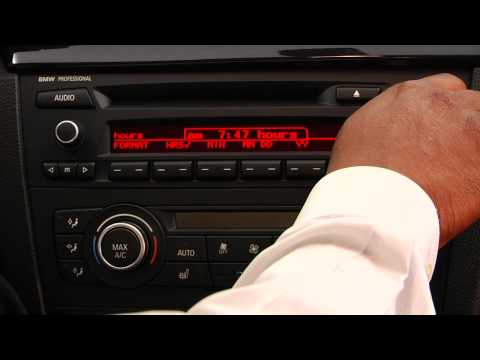
In this tutorial, you will see how to set the time in a BMW 3 Series, a very simple and quick operation to perform, for example, after replacing the …
BMW Serie 3
(1998-2006 /
E46)
In this tutorial, you will see how to set the time in the BMW 3 Series, a very simple and quick operation to perform if you have replaced the battery…
Other guides you may be interested in
|
How to Open the Fuel Filler Cap of the 2020 Hyundai Tucson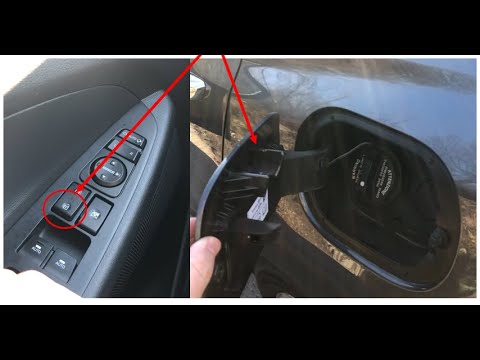
The 2020 Hyundai Tucson has two methods for opening the fuel filler flap. Both methods can only be used if the key has been removed from the ignition and the engine is off. The first method involves removing the key from the ignition and keeping all the car locks open, then go to the flap and press it. This will open the flap. The second method is to stay in the car, remove the key from the ignition, and then press the fuel filler release button located on the left door. by ScegliAuto More videos
|
|
For advertising on this site Write to info@scegliauto.com
ScegliAuto is not responsible for any inaccuracy of the data in the lists. To report any inaccuracy or your business (if you own the business in question), please write to info@scegliauto.com
Number of seconds to generate the page: 0.338
(c) ScegliAuto 2026 - info@scegliauto.com - Privacy policy VAT number: IT01247470535 |
