
|
Do it yourself
| |||
| ||||



How to Replace the Remote Battery for the BMW 5 Series?
Model: BMW Serie 5
G30
- Years:
2017, 2018, 2019, 2020, 2021, 2022, 2023, 2024
Video tutorial
In this tutorial, you will see how to replace the battery of the remote for the BMW 5 Series G30. For this simple and quick operation, you will need a replacement battery of type CR2032, 3V, and a small flathead screwdriver. First, press the button located on the right side of the remote and extract the emergency key, then leverage the indicated slot to unlock the rear cover. Once fully opened, remove the old battery and insert the replacement, making sure to position it with the negative terminal facing down.
Updated on 18 June 2026 by ScegliAuto
Related tutorials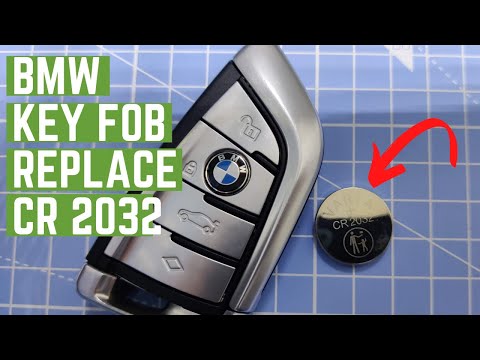
BMW Serie 5
(2017-2024 /
G30)
To replace the remote battery for the BMW 5 Series, press the button located on the bottom of the device to slide the key out of its housing. Once th…
BMW Serie 5
(2010-2017 /
F11, F10)
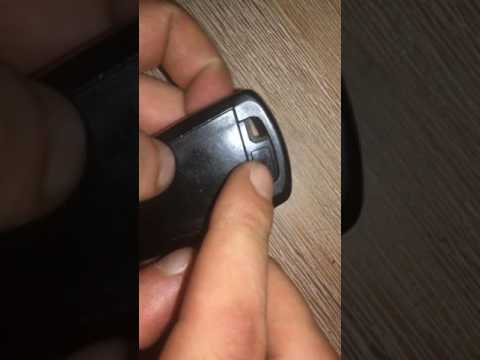
To replace the battery in the BMW 5 Series remote, press the button located on the top of the remote to fully extract the key inside the device. Afte…

BMW Serie 5
(2017-2024 /
G30)
To replace the batteries in this BMW key, used on models such as the BMW 5 Series, 6 Series, 7 Series, and X3, simply get a flathead screwdriver and …
Other guides you may be interested in
|
How to Reset the Tyre Pressure Warning Light on a Peugeot 2008?
On the instrument cluster of the Peugeot 2008, the tyre pressure warning light that appears can be reset by turning on the ignition, allowing access to the menu that will appear on the central display: press the button with the car icon located just below the display. At this point, scroll through the screen that appears, selecting the option that allows you to reset the tyre warning light: selecting it will bring up a confirmation message, where you can select "Yes" to completely reset the low pressure warning light. by ScegliAuto More videos
|
|
For advertising on this site Write to info@scegliauto.com
ScegliAuto is not responsible for any inaccuracy of the data in the lists. To report any inaccuracy or your business (if you own the business in question), please write to info@scegliauto.com
Number of seconds to generate the page: 0.466
(c) ScegliAuto 2026 - info@scegliauto.com - Privacy policy VAT number: IT01247470535 |
