
|
Do it yourself
| |||
| ||||


How to Replace Rear License Plate Lights with LED Lights
Model: BMW Serie 5
E39
- Years:
1995, 1996, 1997, 1998, 1999, 2000, 2001, 2002, 2003
Video tutorial
The process is actually very simple. Just use a flathead screwdriver to pry as shown in the video to disengage the entire light socket for the license plate light. Next, disconnect the power connector and proceed to replace the bulb with your preferred LED model. Reinsert the light socket into the housing and perform the same steps on the second light. Now, perform a quick test by turning on the vehicle's parking lights and check that everything works normally. The video refers to the BMW 5 Series, but the procedure is the same for practically all cars.
Updated on 2 February 2026 by ScegliAuto
Related tutorials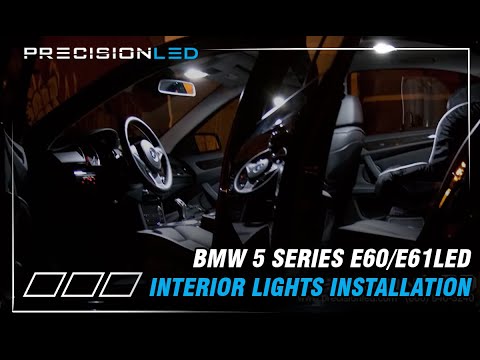
BMW Serie 5
(2003-2010 /
E60, E61)
Start with the front dome light: use a plastic trim tool to detach the dome light, first the part with the buttons and then the part with the bulb ho…
BMW Serie 5
(1995-2003 /
E39)
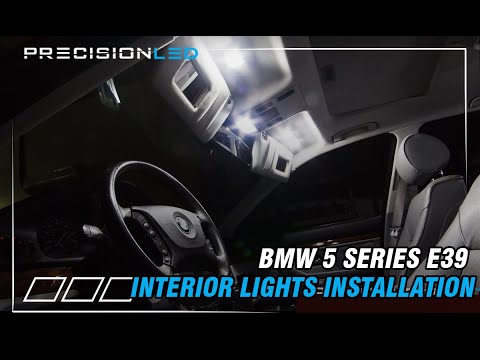
LEDs are small, inexpensive, and different colored lights that can be turned on and off intermittently. These lights are a great solution for decorat…
BMW Serie 5
(2003-2010 /
E60, E61)
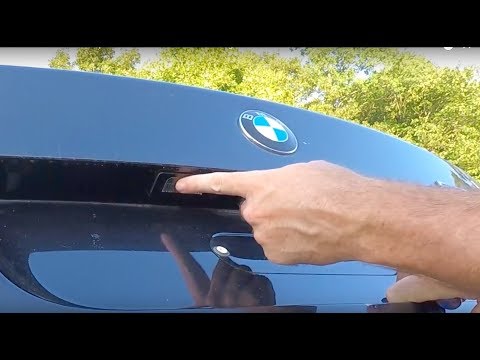
The lights located just above the rear license plate on your BMW 5 Series E60 are very important as they increase the visibility of the plate and hel…
Other guides you may be interested in |
How to Open the Fuel Filler Flap in the Hyundai i30?
In this tutorial, you will learn how to open the fuel filler flap in the Hyundai i30, a very simple operation that follows the typical procedure of most vehicles. First, unlock the locks using the designated button on the remote, then open the driver's door, locate the release lever on the left side of the seat, and operate it. Next, move to the fuel filler flap, open it completely, unscrew the cap, and refuel as needed. To close the flap, simply press it gently. by ScegliAuto More videos
|
|
For advertising on this site Write to info@scegliauto.com
ScegliAuto is not responsible for any inaccuracy of the data in the lists. To report any inaccuracy or your business (if you own the business in question), please write to info@scegliauto.com
Number of seconds to generate the page: 0.013
(c) ScegliAuto 2026 - info@scegliauto.com - Privacy policy VAT number: IT01247470535 |
