
|
Do it yourself
| |||
| ||||


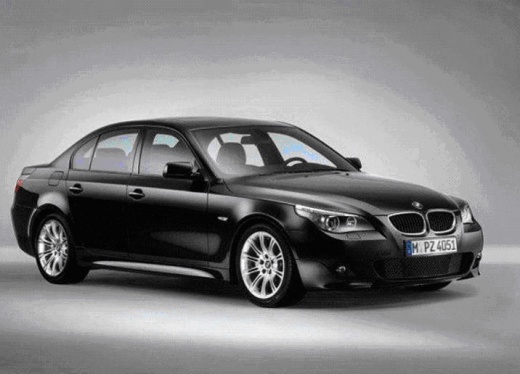
Service Light Reset Instructions
Model: BMW Serie 5
E60, E61
- Years:
2003, 2004, 2005, 2006, 2007, 2008, 2009, 2010
Video tutorial
If the central display on the instrument cluster shows a red car symbol raised on a lift, it means maintenance is required. Use the trip reset button to scroll through the service menu and check what maintenance is needed, and you can also perform the reset. When you turn on the ignition, press and hold the trip reset button to enter the service menu, then press to scroll through the options. When you reach the first red light, press the button again and hold it until the word 'reset' appears, then release and press again to reset.
Updated on 18 February 2026 by ScegliAuto
Related tutorials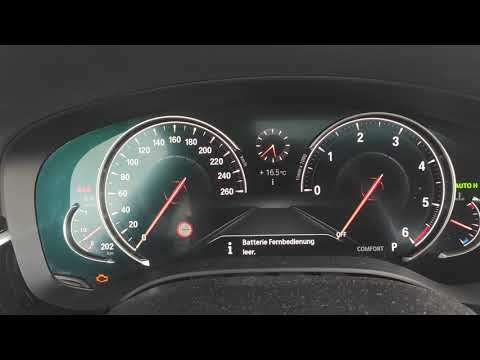
BMW Serie 5
(2017-2024 /
G30)
In this tutorial, you will see how to reset the service light on a BMW 5 Series, an extremely simple and quick operation to perform only after comple…

BMW Serie 5
(2003-2010 /
E60, E61)
In this tutorial, you will see how to reset the service light in the BMW 5 Series, a very simple and quick operation to perform only after completing…
BMW Serie 5
(2017-2024 /
G30)
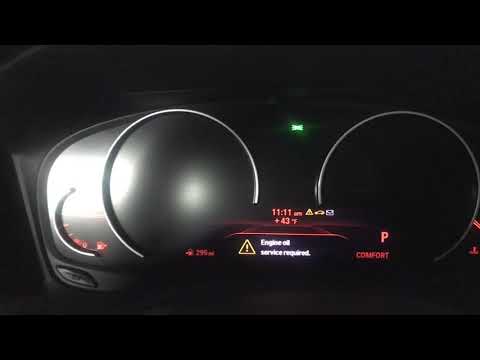
Resetting the service light in the BMW 5 Series, as we can see in this tutorial, is an extremely simple and quick operation. Before proceeding, make …
Other guides you may be interested in |
How to Activate the Automatic Folding and Unfolding of the Wing Mirrors on the Jeep Compass
Follow these brief instructions to activate the automatic folding and unfolding of the external wing mirrors on the Jeep Compass. First, get inside the vehicle and turn on the ignition; then press the button located beneath the mirror glass adjustment to electrically open the mirror, as shown in the video. Pressing the button in the opposite direction will close the mirrors; by holding the button, the mirrors will open and close automatically! by ScegliAuto More videos
|
|
For advertising on this site Write to info@scegliauto.com
ScegliAuto is not responsible for any inaccuracy of the data in the lists. To report any inaccuracy or your business (if you own the business in question), please write to info@scegliauto.com
Number of seconds to generate the page: 0.018
(c) ScegliAuto 2026 - info@scegliauto.com - Privacy policy VAT number: IT01247470535 |
