
|
Do it yourself
| |||
| ||||



How to Reset the Service Light on a BMW 5 Series?
Model: BMW Serie 5
G30
- Years:
2017, 2018, 2019, 2020, 2021, 2022, 2023, 2024
Video tutorial
In this tutorial, you will see how to reset the service light on a BMW 5 Series, an extremely simple and quick operation to perform only after completing all required scheduled maintenance tasks. Start by entering the cabin, then turn on the instrument cluster; it is not necessary to start the engine, and press the button located to the left of the dashboard. Once the maintenance menu appears, repeatedly press the same button until you reach the service to reset, press it again and confirm the reset. Finally, restart the vehicle.
Updated on 24 July 2026 by ScegliAuto
Related tutorials
BMW Serie 5
(2003-2010 /
E61, E60)
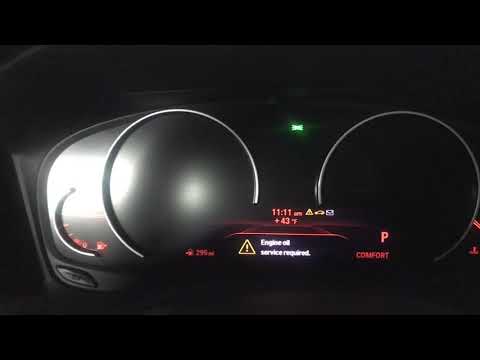
In this tutorial, you will see how to reset the service light in the BMW 5 Series, a very simple and quick operation to perform only after completing…
BMW Serie 5
(2017-2024 /
G30)
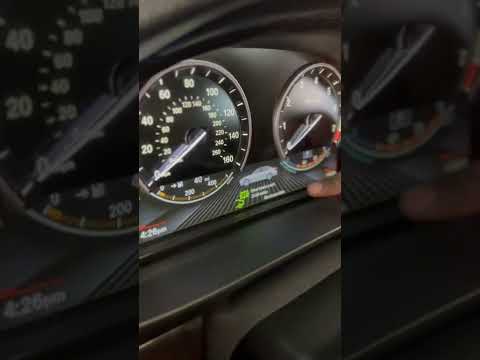
Resetting the service light in the BMW 5 Series, as we can see in this tutorial, is an extremely simple and quick operation. Before proceeding, make …
BMW Serie 5
(2010-2017 /
F10, F11)
As we can see in this tutorial, resetting the brake pad service on a BMW 5 Series is an extremely simple and quick operation. Before doing this, make…
Other guides you may be interested in
|
How to Activate or Deactivate 4x4 Traction on a Toyota RAV4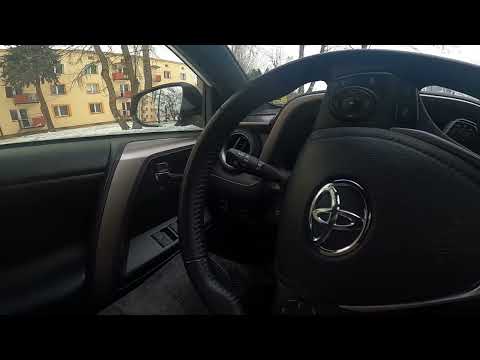
Below are the steps to activate or deactivate the 4x4 traction on a Toyota RAV4, following the instructions provided. First, get in the vehicle and start the engine; then press the 4x4 traction button located on the left side of the steering wheel to deactivate it. With the 4x4 traction deactivated, the warning light will illuminate on the instrument panel; simply press the button again to activate the vehicle's four-wheel drive, allowing you to tackle off-road or rough terrain. by ScegliAuto More videos
|
|
For advertising on this site Write to info@scegliauto.com
ScegliAuto is not responsible for any inaccuracy of the data in the lists. To report any inaccuracy or your business (if you own the business in question), please write to info@scegliauto.com
Number of seconds to generate the page: 0.032
(c) ScegliAuto 2026 - info@scegliauto.com - Privacy policy VAT number: IT01247470535 |
