
|
Do it yourself
| |||
| ||||


How to restart the BMW Idrive system
Model: BMW BMW Various
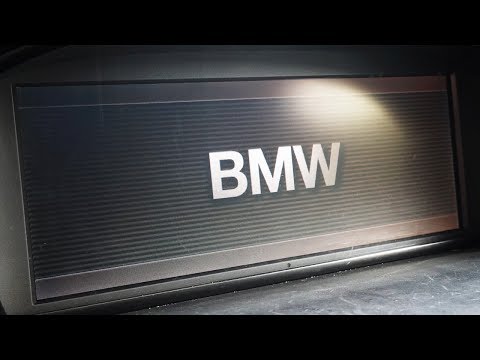
In this video, we see how to restart the Idrive operating system of BMW: with the car on (but the engine off), we need to hold down the volume button for 30 seconds; meanwhile, the infotainment screen will turn off, but we need to continue holding the button until we reach 30 seconds. Then, we will release the button and press it again, after at least another 30 seconds, to restart the system. The system will turn back on, and this should be sufficient to complete the system restart, which is necessary if we have encountered problems with the software, such as apps not loading or issues with Android Auto or Apple CarPlay.
Posted on 31 July 2023 by ScegliAuto
Video tutorial
Related tutorials
BMW BMW Various
In this tutorial we can see how to reset the iDrive system in a BMW, an extremely simple and fast operation, to be done for example in case the syste…

BMW BMW Various
It will be possible to adjust the iDrive system of BMW by first inserting the ignition key and turning on the instrument panel by pressing the approp…
BMW BMW Various
In this video, we see how to restart the IDrive navigation system on our BMW. Perhaps your navigator is stuck or the LCD screen has gone dark. In any…
Other guides you may be interested in
|
Replacing the Rear Window Regulator on a Grande Punto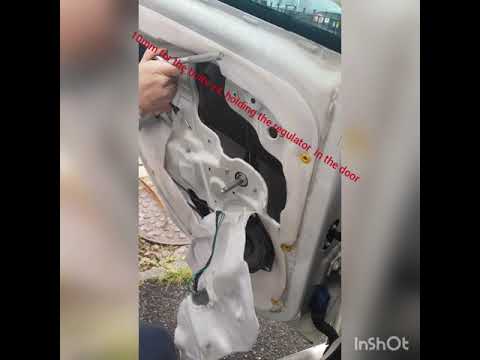
Replace the window regulator on a Fiat Grande Punto? Remove the door panel to access the window regulator motor. Use a lever to remove the manual window crank, then, with a screwdriver, unscrew the securing screws on the plastic panel. Once all screws are removed, use the lever to detach all the plastic clips that secure the door. Pull off the door panel by hand. Remove the access cover to the door and take out the window regulator motor and the rail with the glass. Pull out all the parts from inside the door and replace them with new ones. by ScegliAuto More videos
|
|
For advertising on this site Write to info@scegliauto.com
ScegliAuto is not responsible for any inaccuracy of the data in the lists. To report any inaccuracy or your business (if you own the business in question), please write to info@scegliauto.com
Number of seconds to generate the page: 0.053
(c) ScegliAuto 2026 - info@scegliauto.com - Privacy policy VAT number: IT01247470535 |
