
|
Do it yourself
| |||
| ||||


To reset the service indicator of the 2009 BMW 1 Series.
Model: BMW Serie 1
E82, E81, E87, MK 1
- Years 2004-2013
In the following guide dedicated to all owners of a 2009 BMW Series 1, we will discover how to manually reset the service indicator. First, go inside the cabin and start the instrument cluster. Wait a few seconds, then press and hold the button located just below the speedometer. As soon as a new icon appears on the mini display of the cluster, release the button and scroll down using the dedicated button located on the left lever of the steering wheel. Locate the oil icon and hold down the "BC" button until the reset is complete.
Posted on 11 August 2023 by ScegliAuto
Video tutorial
Related tutorials
BMW Serie 1
(2019-2026 /
MK 3, F40)
If you want to manually reset the service light that continues to remain on the instrument panel of your BMW 1 Series f40, just follow the steps desc…
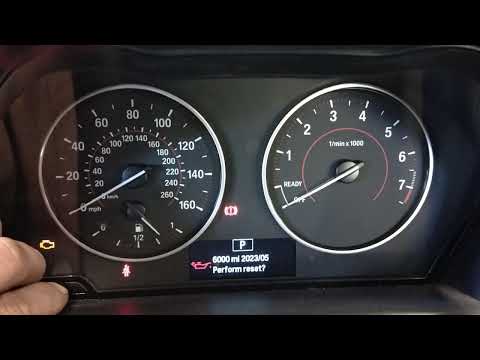
BMW Serie 1
(2011-2019 /
F20, MK 2, F21)
If the orange service light on the instrument panel of your BMW Serie 1 f20 (2013) continues to stay on despite having already had a regular service,…
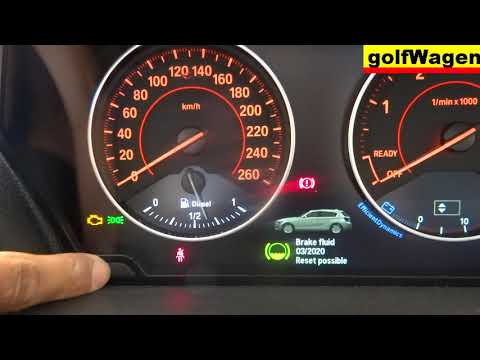
BMW Serie 1
(2004-2013 /
E82, E81, E87, MK 1)
Before we can start, we will have to make sure that the service has actually been carried out, and then go and sit on the driver's seat of our BMW 1 …
Other guides you may be interested in
|
How to Replace the Pollen Filter on a Jeep Renegade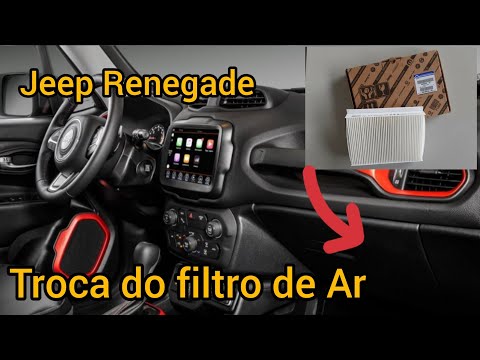
How to replace the pollen filter on a Jeep Renegade? Unscrew the screws located on the right side of the dashboard, then remove the glove compartment (as shown in the video). Using a screwdriver or cordless drill, remove the metal bar and the cover from the filter housing, then extract the worn cabin filter. Insert a new cabin filter ensuring it fits snugly around the walls of the housing, reattach the housing cover and tighten the screws (cover everything with the cloth placed under the dashboard). Check the correct installation of the previously mounted parts. by ScegliAuto More videos
|

|
For advertising on this site Write to info@scegliauto.com
ScegliAuto is not responsible for any inaccuracy of the data in the lists. To report any inaccuracy or your business (if you own the business in question), please write to info@scegliauto.com
Number of seconds to generate the page: 0.070
(c) ScegliAuto 2026 - info@scegliauto.com - Privacy policy VAT number: IT01247470535 |
